
Login to your Usherpa account and click on the Loans and View Loans from the drop down. Then click on the contact.
This will bring up View Loan. On the right hand side click on "Link Someone To This Deal" to connect your Business Partners.
From the drop down box select the Referral Type, or to add a Referral Type click on Manage referral types.
Type the name in the Referred By Contact. If they are not in your database click "Add a contact".
If they Referred the Loan check that box, then Save.
You can choose to connect more contacts to the loan (i.e. Buyer's Agent, Listing Agent, etc.)
Once all contacts are connected, click SAVE.
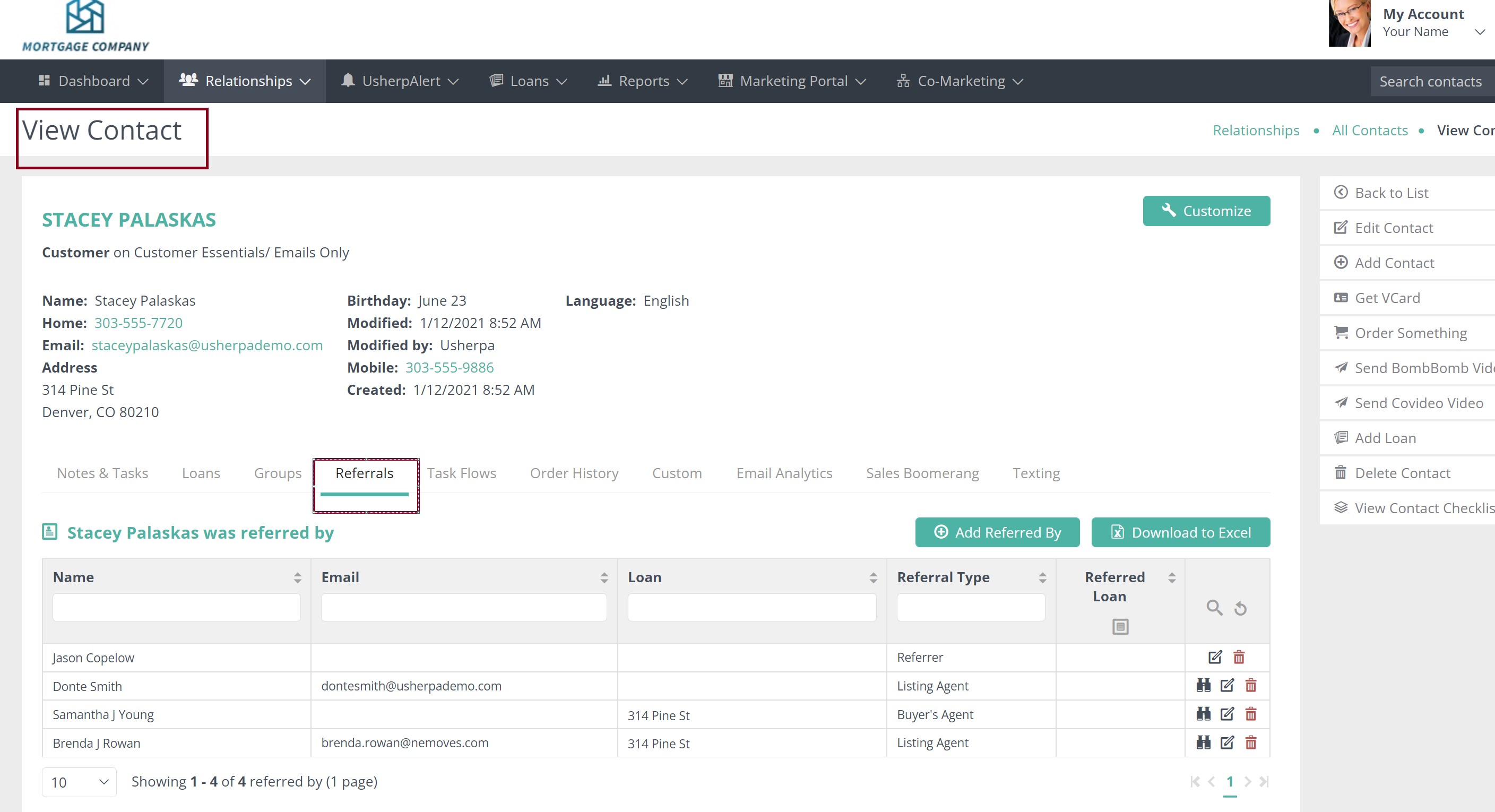
All of the connected contacts will then appear on the Loan Referrals.
Comments
0 comments
Please sign in to leave a comment.