
Under the Dashboard View click on Closed Loan Volume in the bottom left corner. These reports show you all of the closed loans that you have in charts by Current Year Volume, Current Year Refinance vs Purchase and Past Years. Click on Closed Loan Volume. It will bring up a calendar to choose your dates and hit GO. When you scroll over any of the bars, the chart will display the volume amount and number of loans.
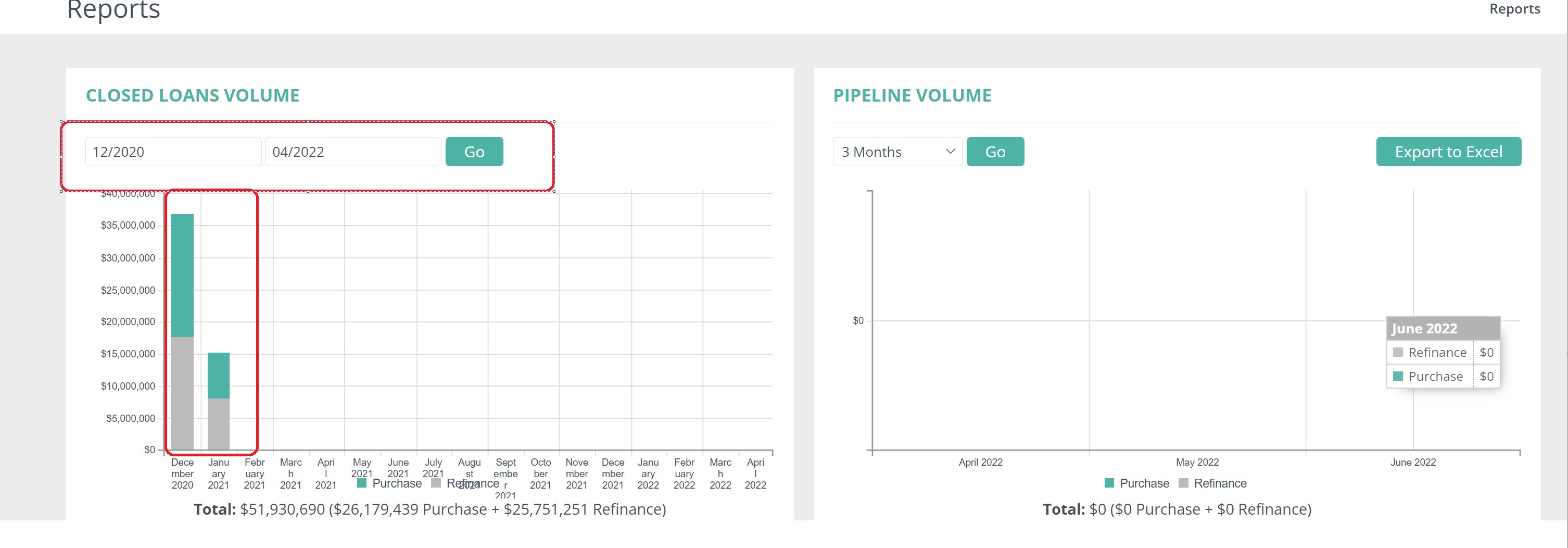
If you click on any of the bars, it will bring up a list of closed loans that make up that bar and you can Export to Excel.
Also from that pop up, you can also go straight to the person's record or to the loan by clicking on the person or binoculars.
Comments
0 comments
Article is closed for comments.