
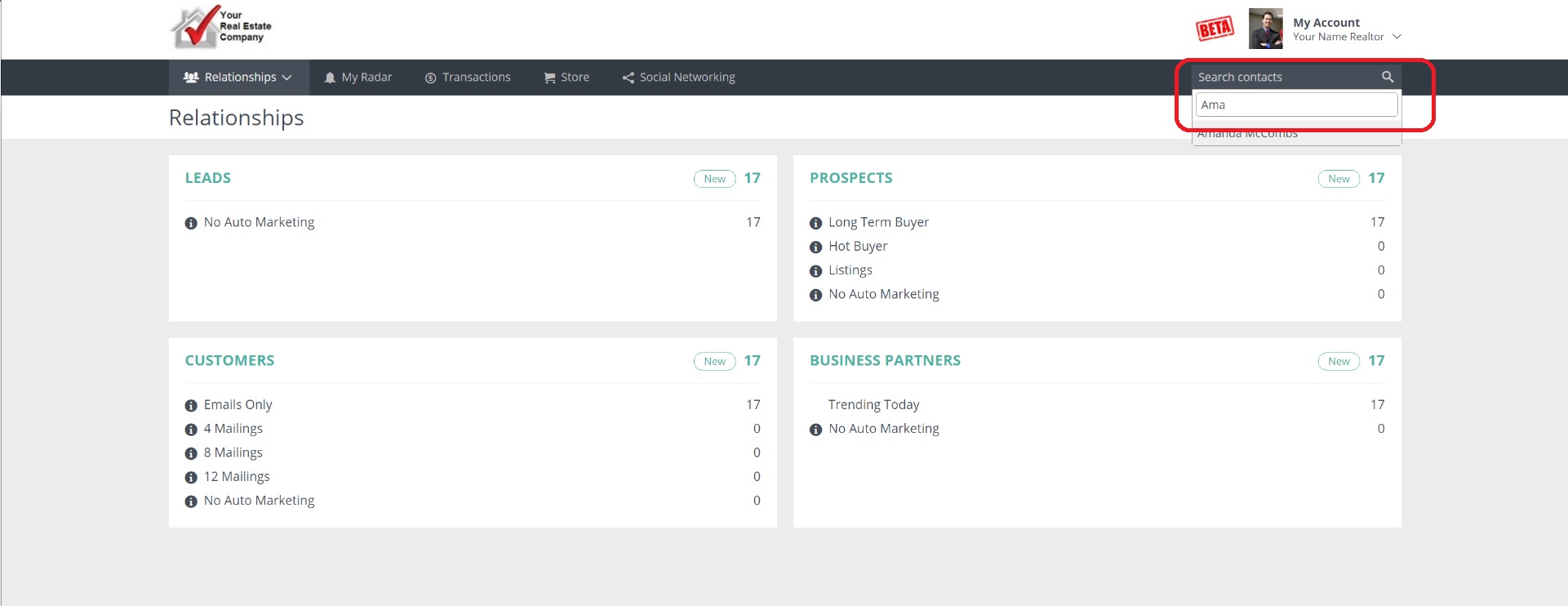
On any screen in Usherpa, you can search for a specific contact by simply typing in either their first or last name in the "Search Contacts" box located in the upper right side of the page. Simply click on the contact's name to open their contact record to easily access all of their information (email address, phone number, mailing address, and loan information.)
Comments
0 comments
Please sign in to leave a comment.