
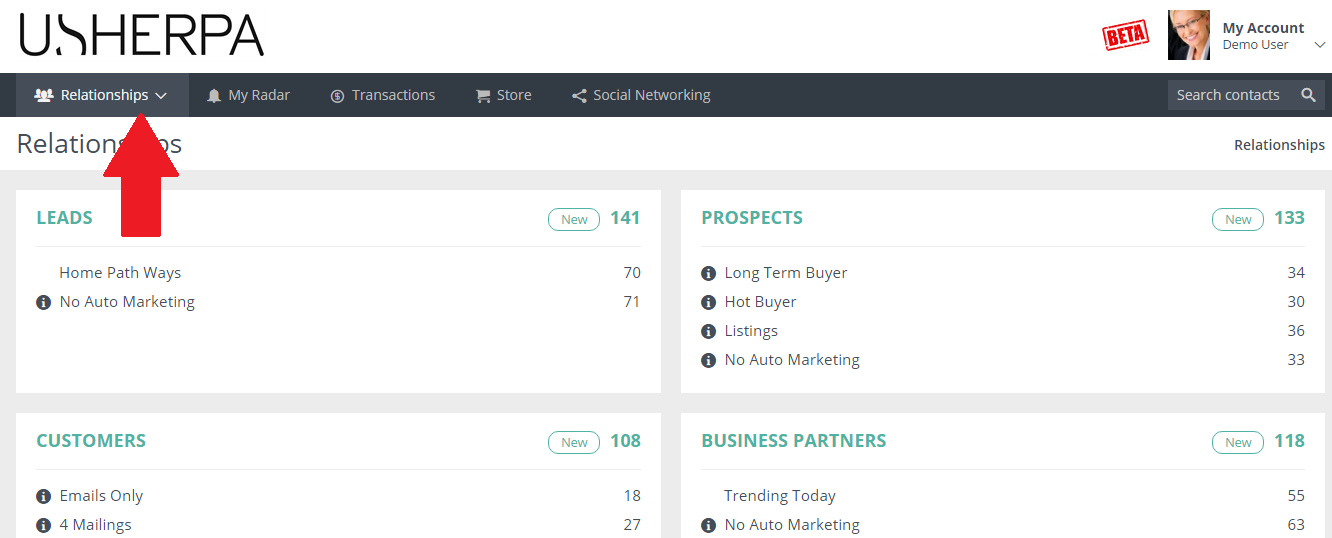
Once logged into your USHERPA account, click the “Relationships” Tab at the top of your screen
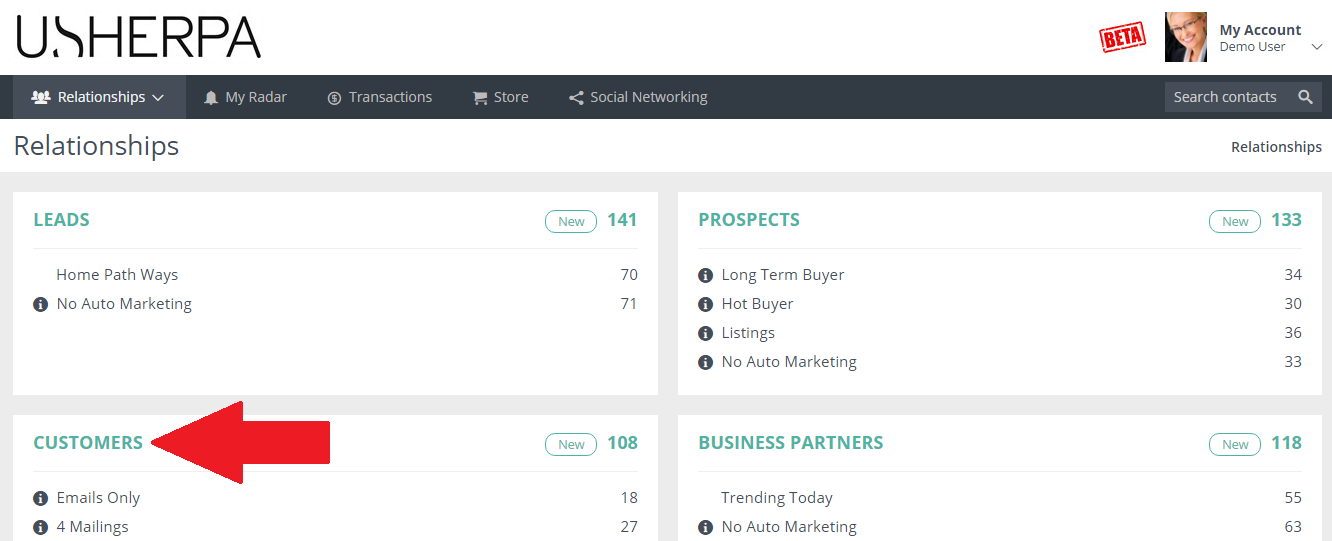
Next, click on the Contact Type box that the person you are searching for is. Let’s say I am looking up a “Customer” contact, I would click the Customer Box. See Below:
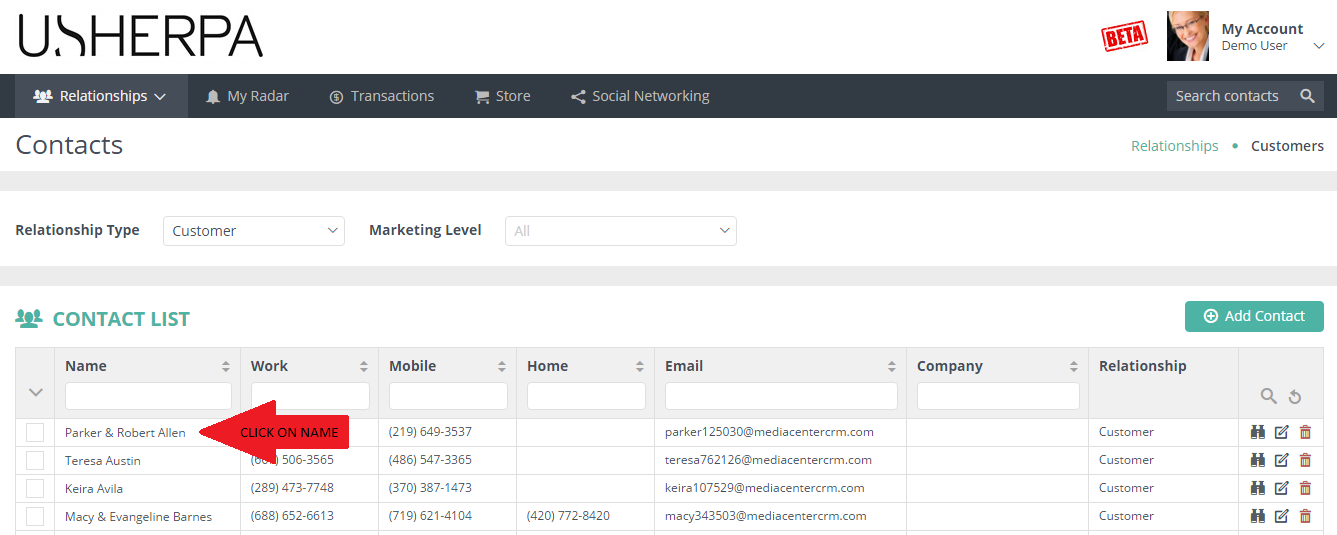
Next find that person’s name and click on it:
Next, as you can see below, says to Click on the “Add A Task”Button:
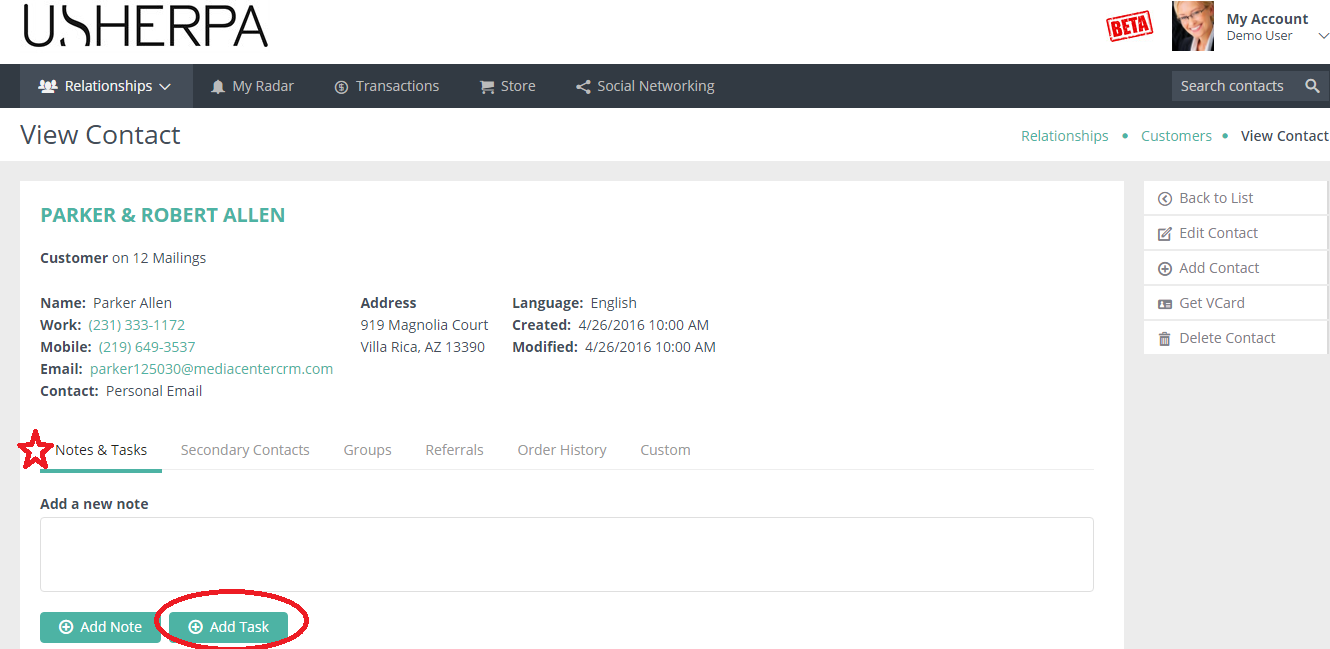
Click the “Add Task” button, and then you will see this:
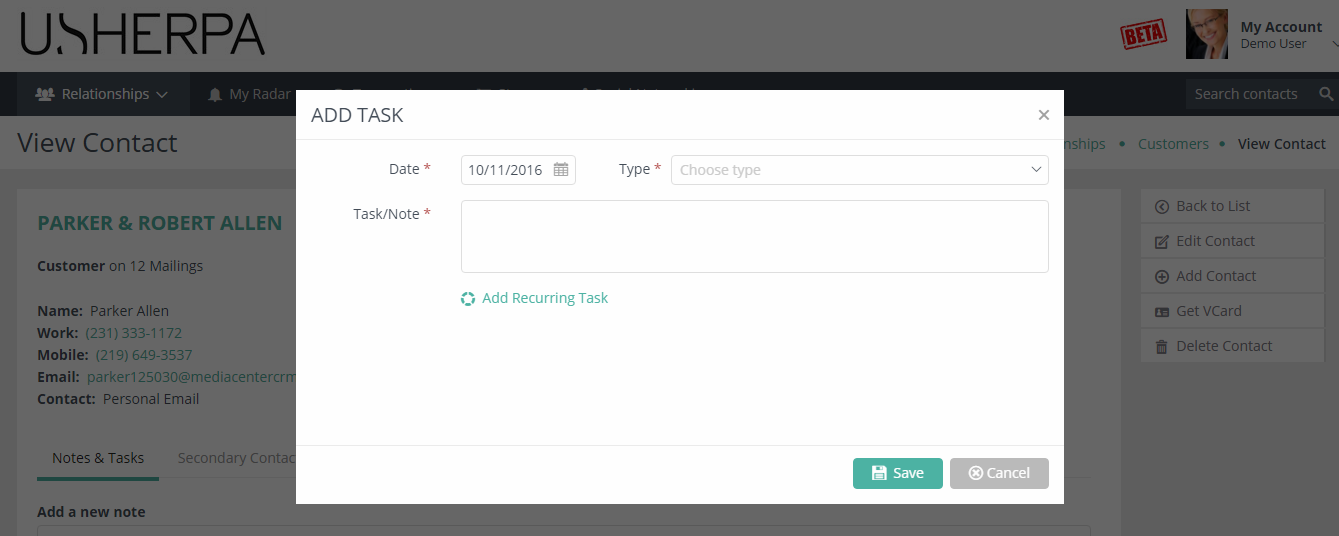
Now you can select a date for the task, add a type, for example: Phone call, email, meeting and so on. Then add your specific note for this contact. Once complete, click the save button. This task will now show up on your calendar and you will get a reminder for this task on the day of the task.
Comments
0 comments
Please sign in to leave a comment.