
In your Usherpa account, click on the "Marketing Portal" tab and "Browse/Order" from the drop down box.
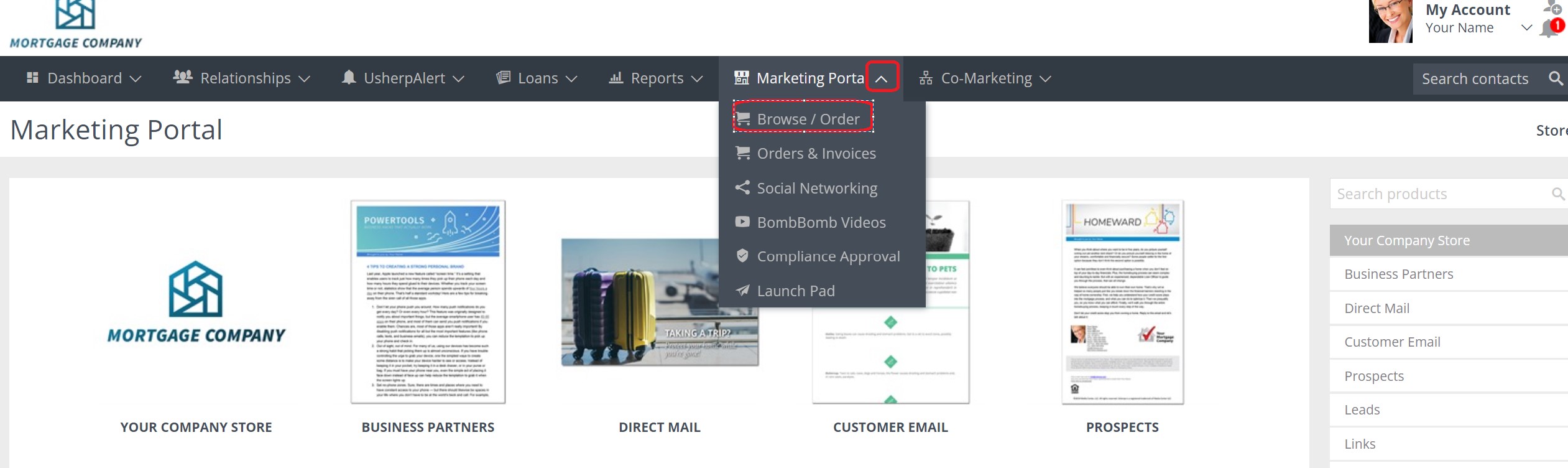
Once you are in the Marketing Portal, please click on "Customer Emails"
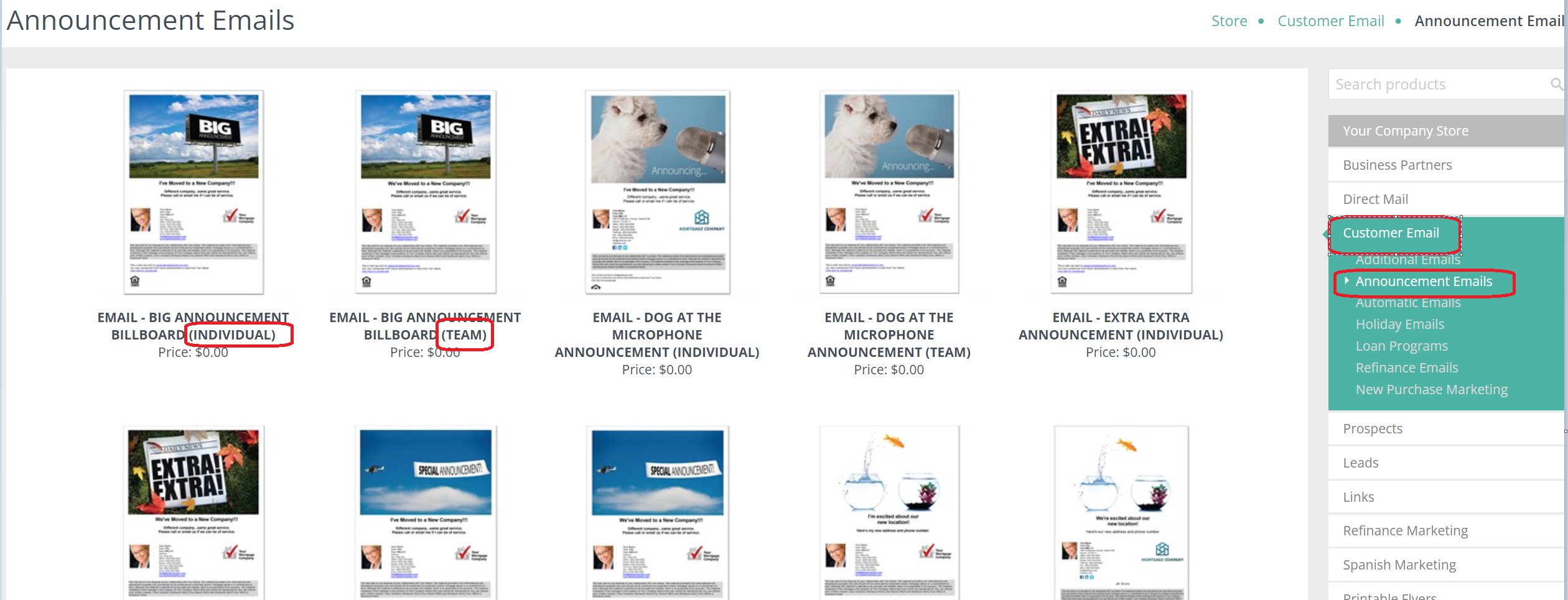
Then you will want to select "Announcement Emails". A page will pop up with all the available options and versions you can choose from. Make sure you choose Individual or Team.
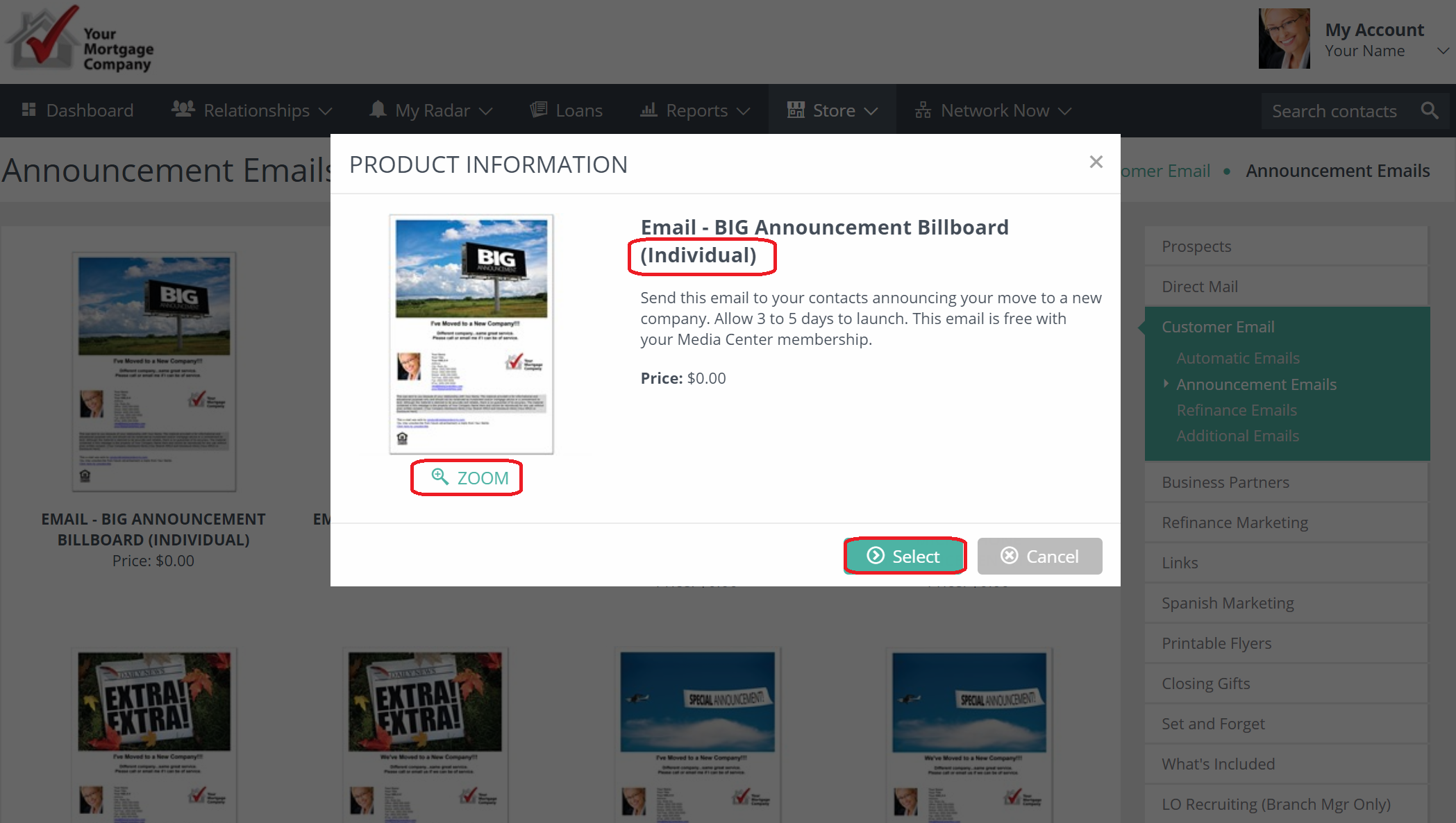
You can click on a selection and it will bring up a box with a description, as well as an option to "Zoom" for a bigger image. Once you have made your choice, click "Select". (Make sure you choose either Individual or Team)
Once you have made your selection, you can choose the recipients you would like to receive your email (all contacts or a specific group).
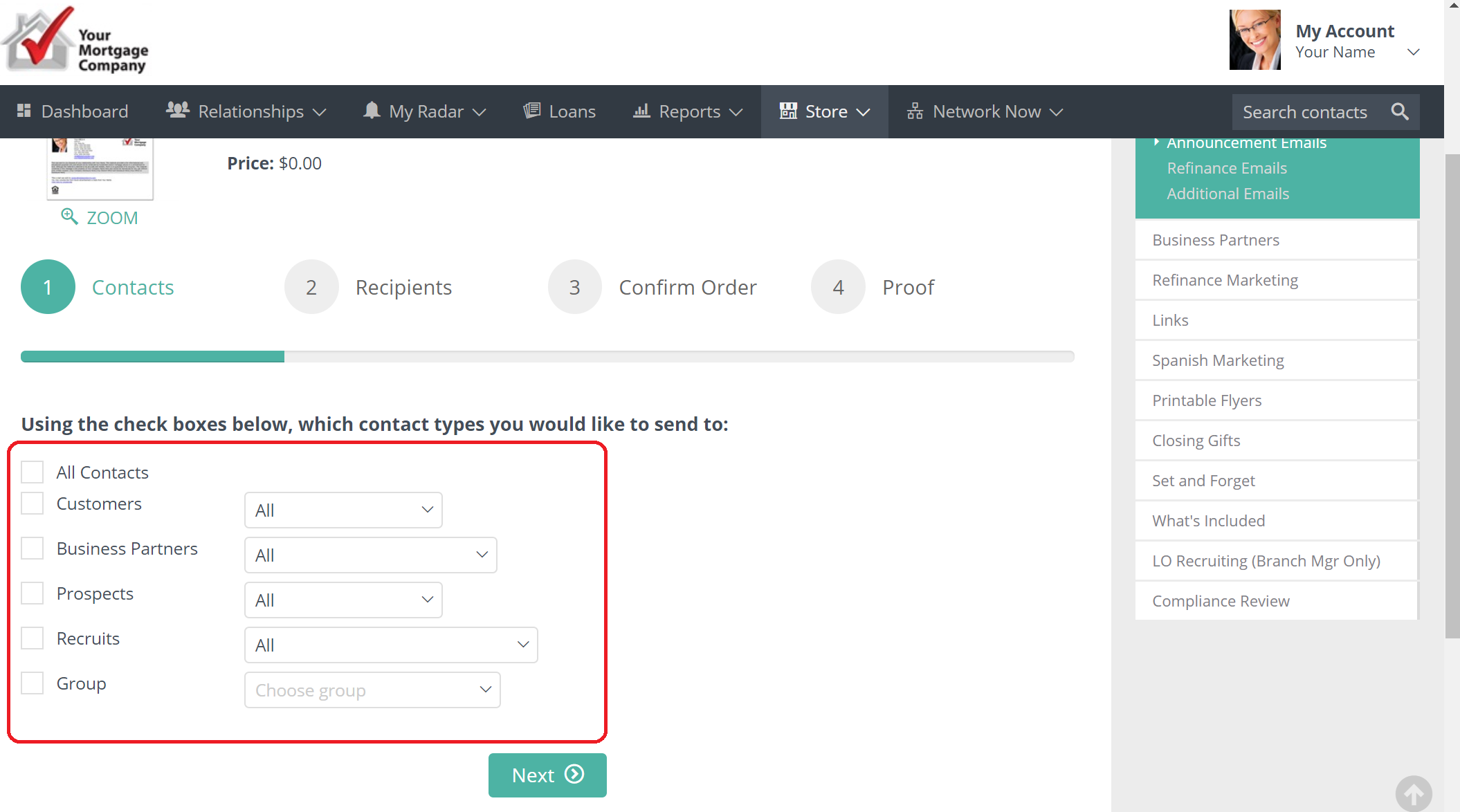
You can Select All or check the boxes of the recipients, then click Next at the bottom. 
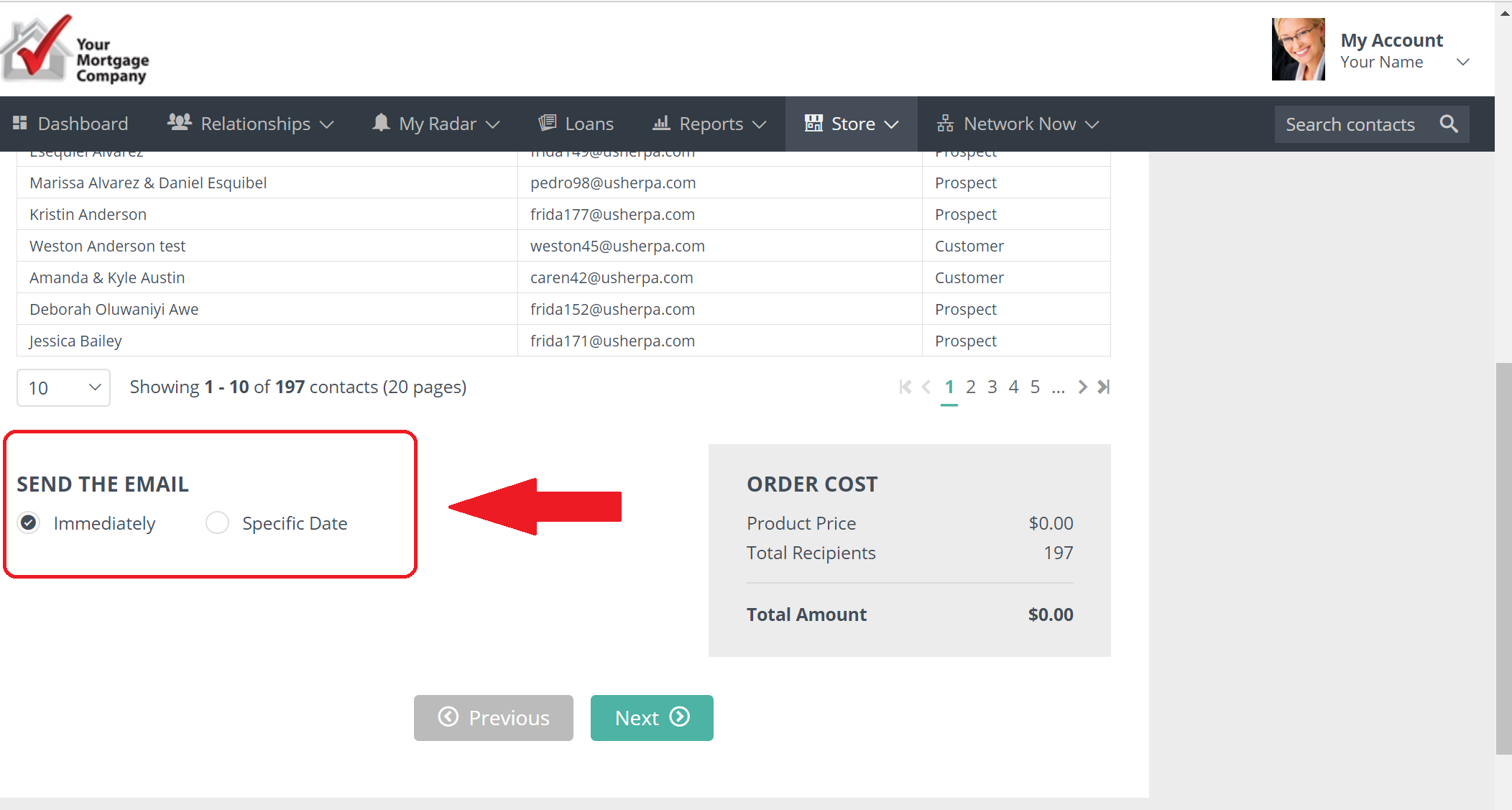
The next screen will provide your recipient list, price and option to send the email immediately or on a specific date.
The last page will give you the option to go back, Approve & Place Order or Cancel Order.
Comments
0 comments
Please sign in to leave a comment.