
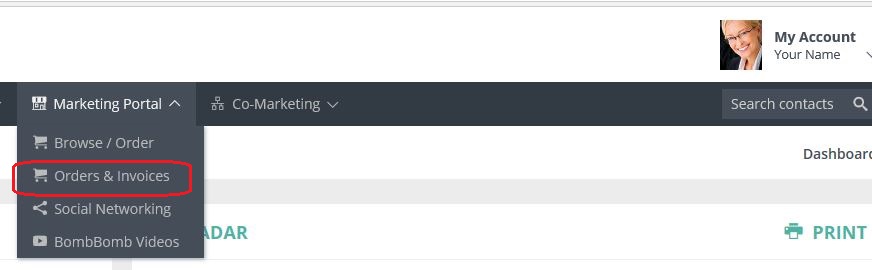
To cancel an order, LOGIN to your Usherpa account at https://lo.usherpa.com and click on the Marketing Portal tab at the top of the Usherpa website, then from the drop down menu click Orders & Invoices.
ONLY orders with an "Ordered" status can be cancelled.
To view the order and cancel, click on the binoculars  to the right of the order you would like to cancel.

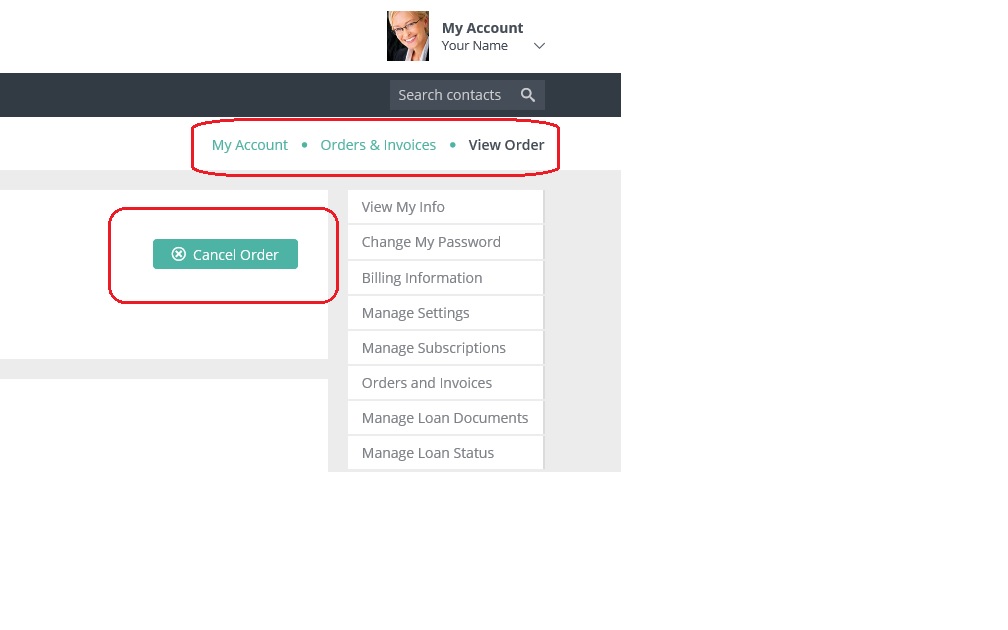
In the view order, click on the "Cancel Order" box in the upper right.
Click OK and you are done!

Comments
0 comments
Article is closed for comments.