
Click on My Account in the upper right corner. From the drop down box choose My Account.

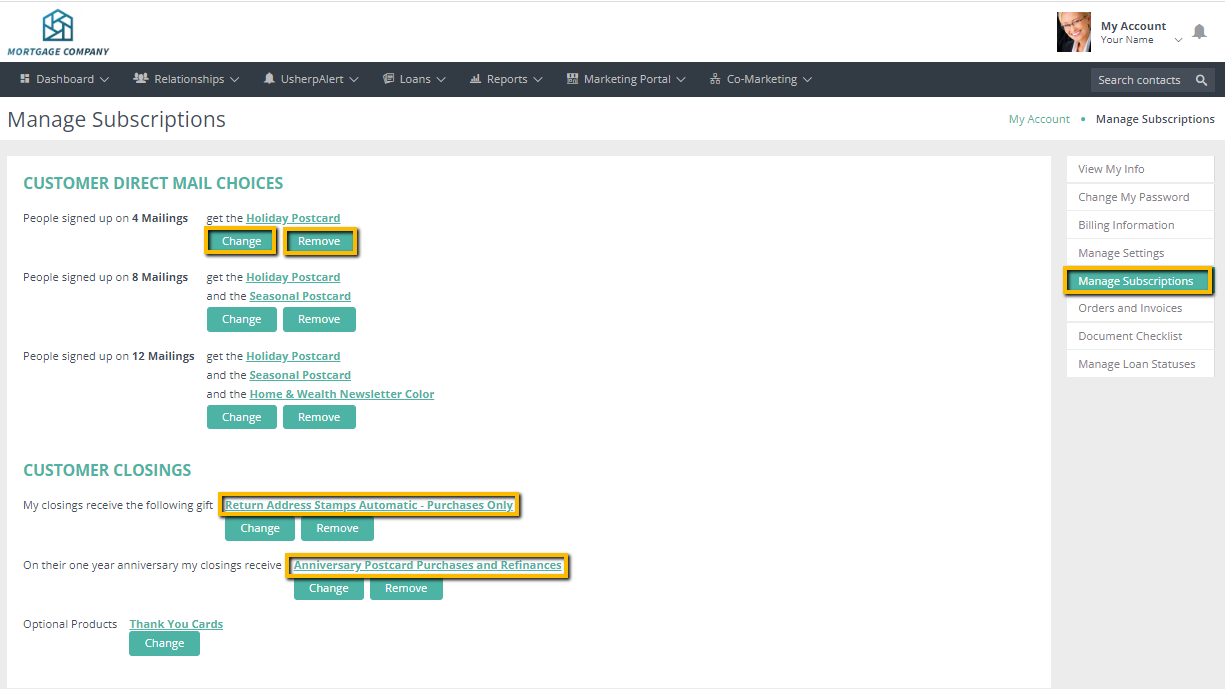
Click on Manage Subscriptions on the right side. This screen will pop up and will show your current mailings that you are signed up for, if any, and the option to CHANGE or REMOVE mailings.
If you would like to change a mailing, such as seasonal to our advisor series, this is where you will go.
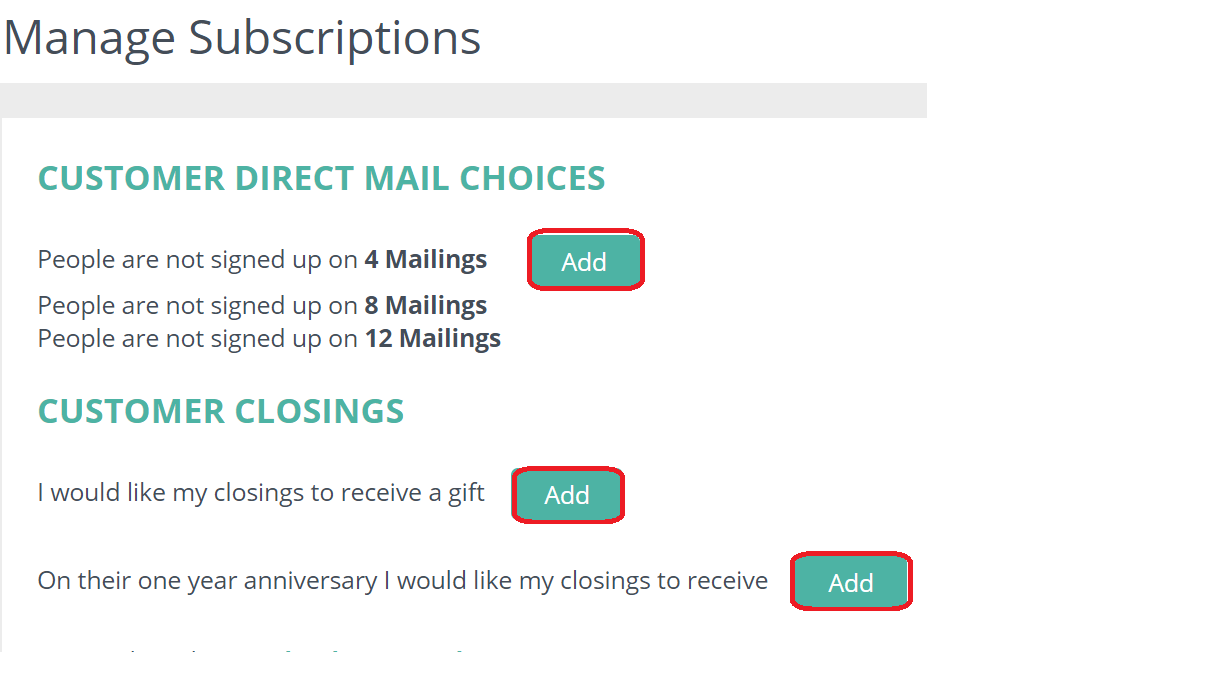
Or you can add a mailing by clicking on ADD. You have the option to choose 4, 8 or 12 mailings a year.
Please note the Seasonal and Advisor mail the same month as well as the Holiday and Recipe. You will only be able to choose one for the month.
Comments
0 comments
Please sign in to leave a comment.