
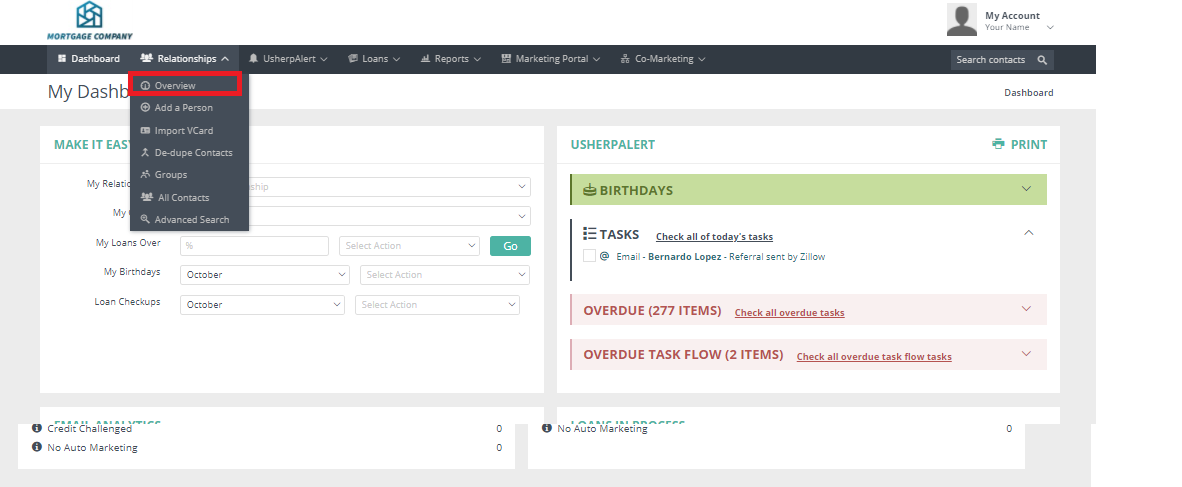
Login to your Usherpa account and click on the "Relationships" tab. Click on "Overview" from the drop down box.
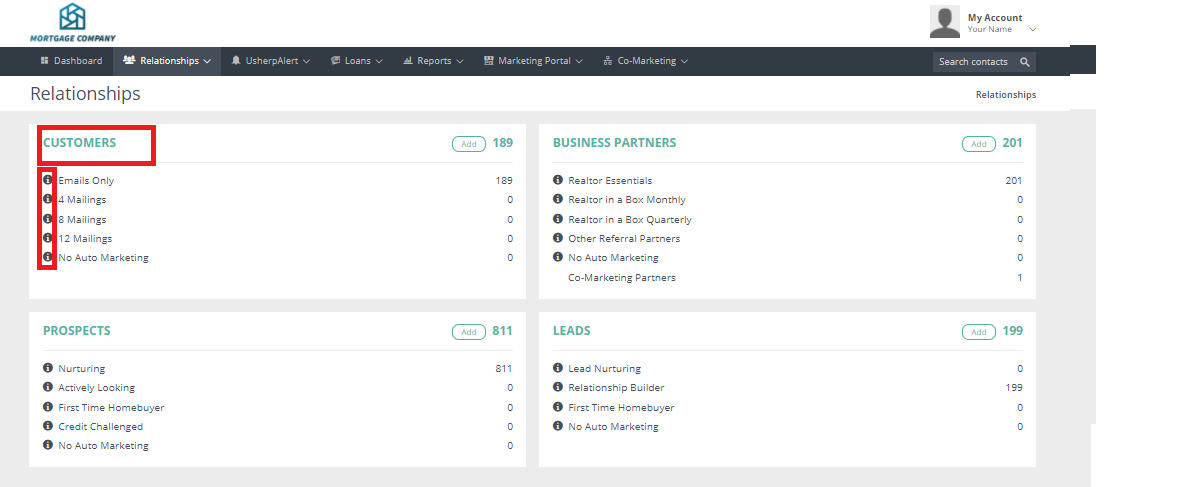
Hover over each type of Relationship and it will give you a definition of that contact. Hover over the i in the circle and it will let you know what type of campaign they will receive.
Comments
0 comments
Article is closed for comments.