
Login to your Usherpa account, and view the Dashboard. You will see all of the tasks you have due for the current day as well as any overdue tasks.
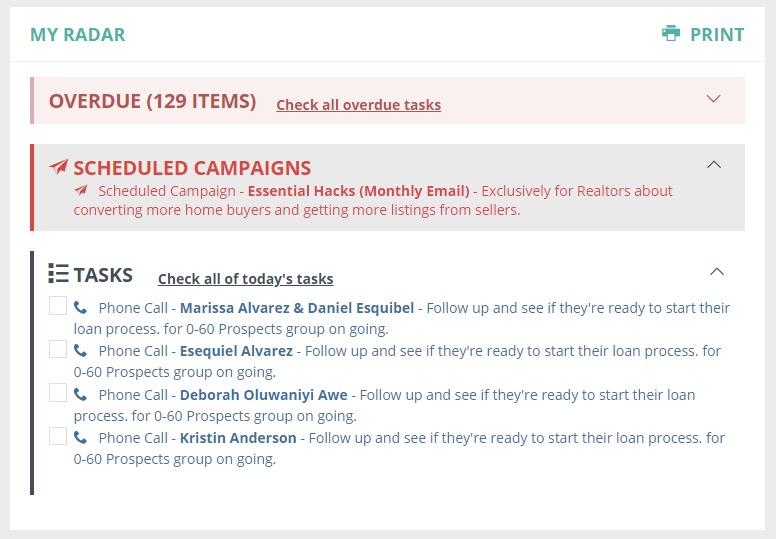
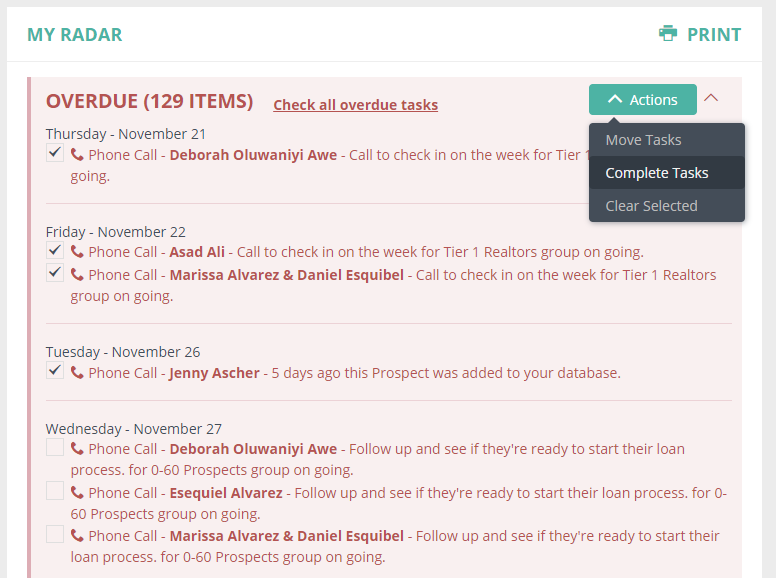
You can manage your tasks due for the day by clicking the checkbox next to any task(s) to mark them all as complete or move them to another day.
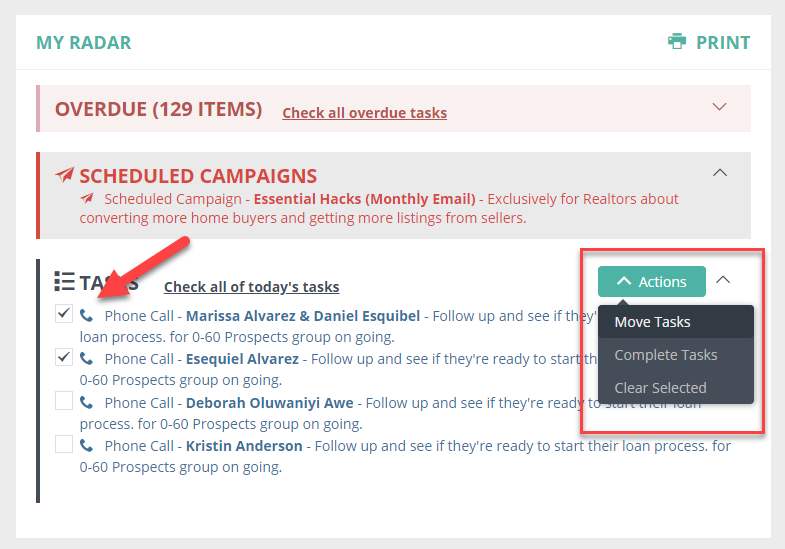
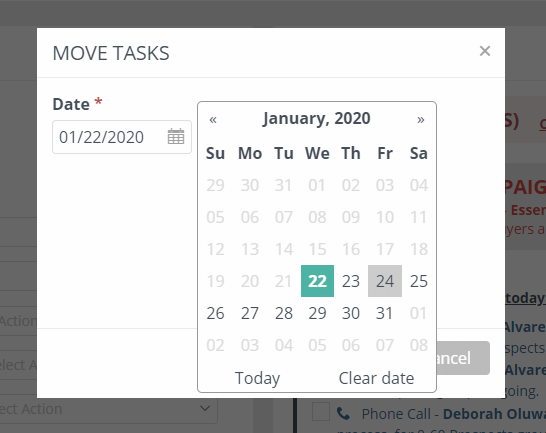
Clicking "Move Tasks" allows you to move selected tasks to another day to be completed.
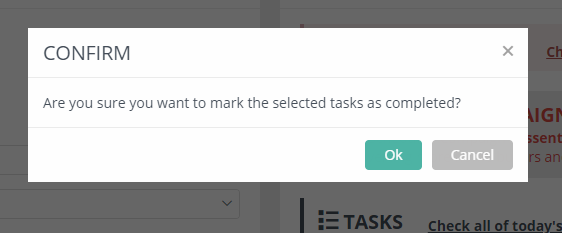
Clicking "Complete Tasks" will mark all the ones you have selected as "complete."
You can also update multiple overdue tasks by selecting them and moving them to a new day, or only marking off a few as complete.
Comments
0 comments
Please sign in to leave a comment.