
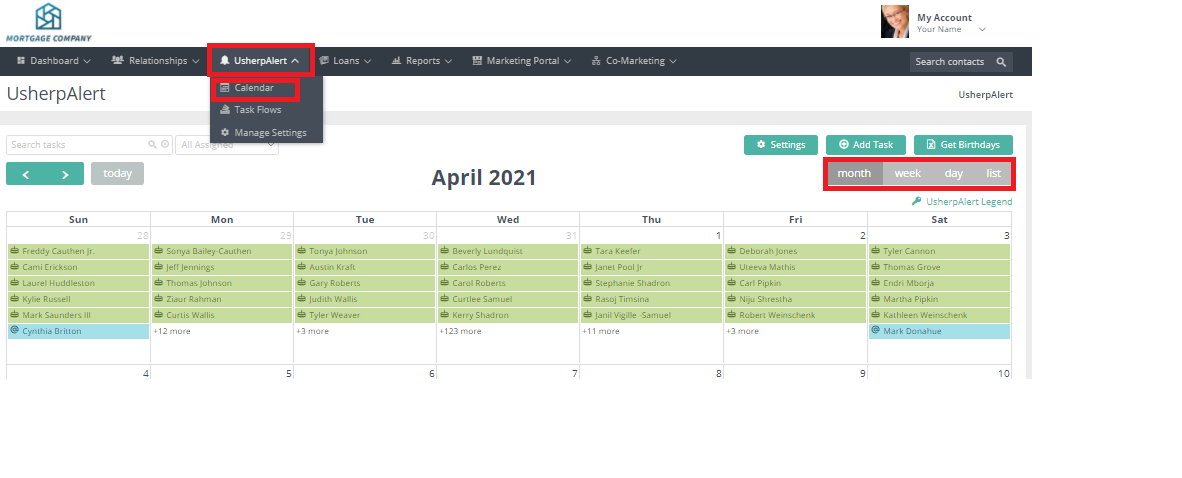
Select the “UsherpAlert" tab at the top then from the drop down Calendar. Your tasks will be listed there along with birthdays, notes, anniversaries. Click on Month/Week/Day/List.
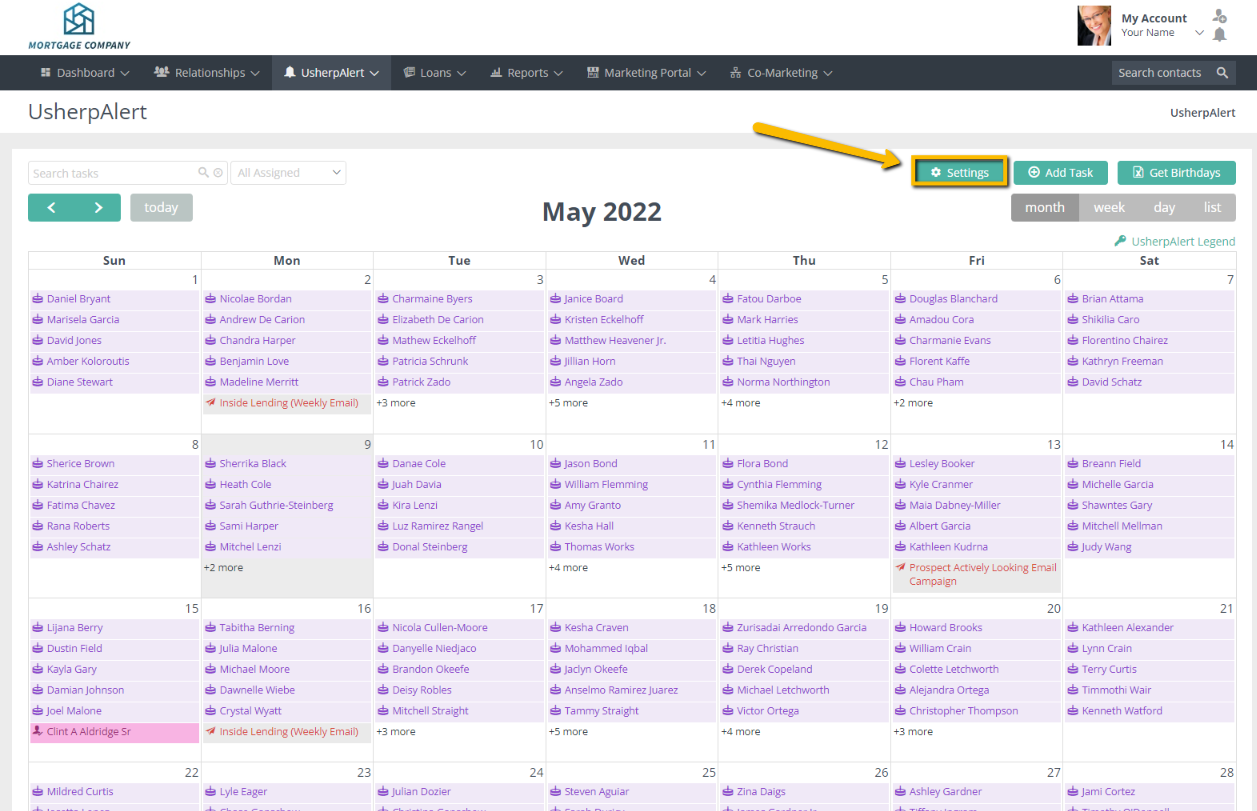
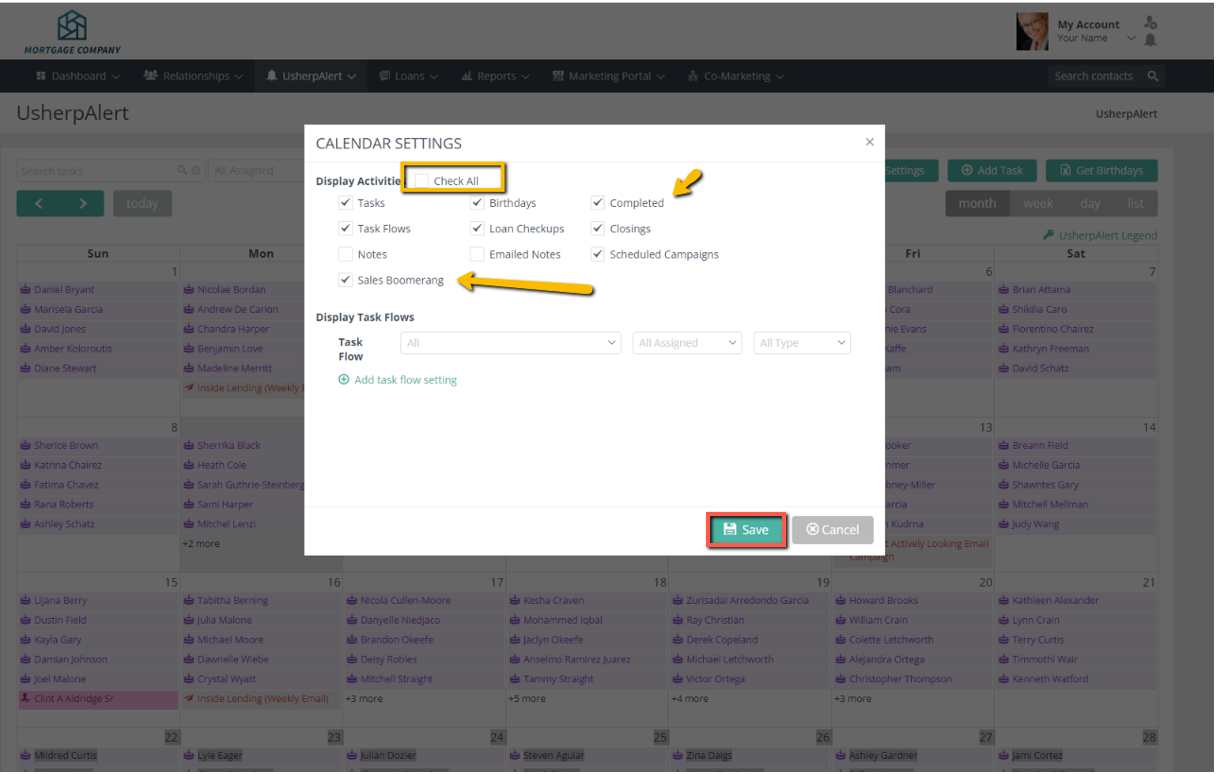
By clicking on the "Settings" tab on the upper right of the displayed calendar, you are able to select the settings that you want to appear (always click on "Save"):
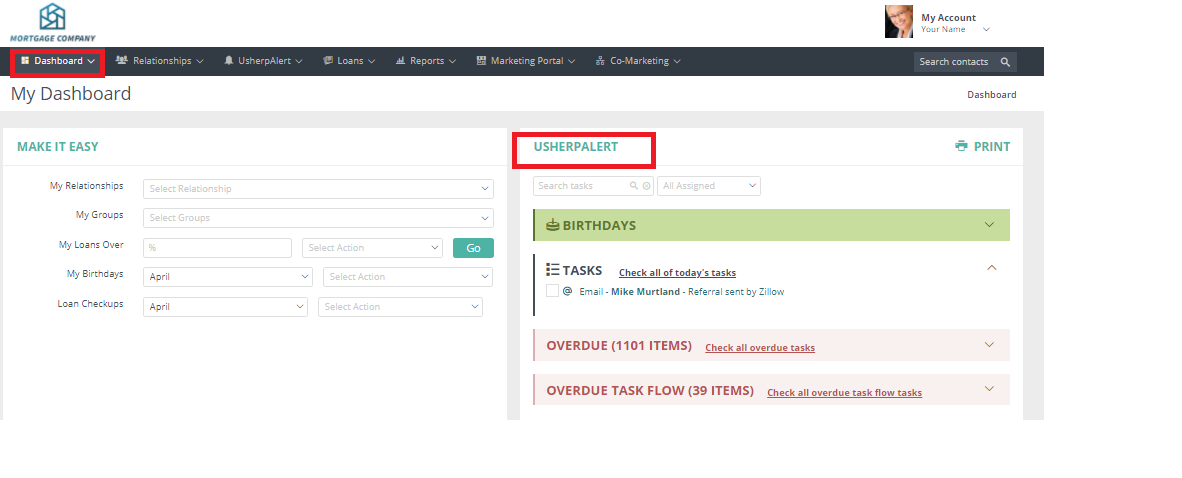
Or, from the Dashboard click on UsherpAlert.
Comments
0 comments
Article is closed for comments.