
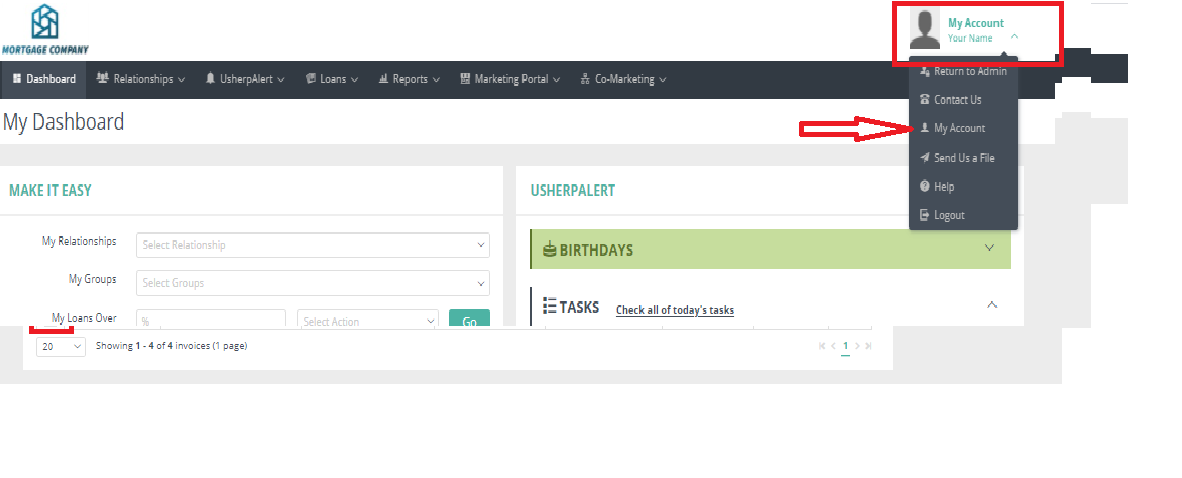
When you are logged in, click on My Account near your photo and choose My Account again from the drop down.
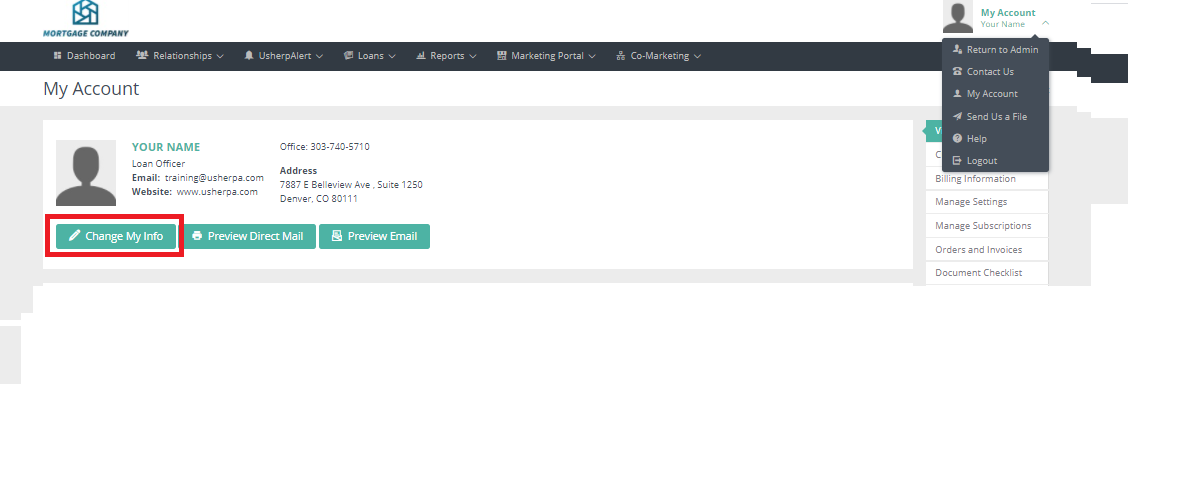
Next, click the button that says "Change My Info" and then navigate to the External Links tab.
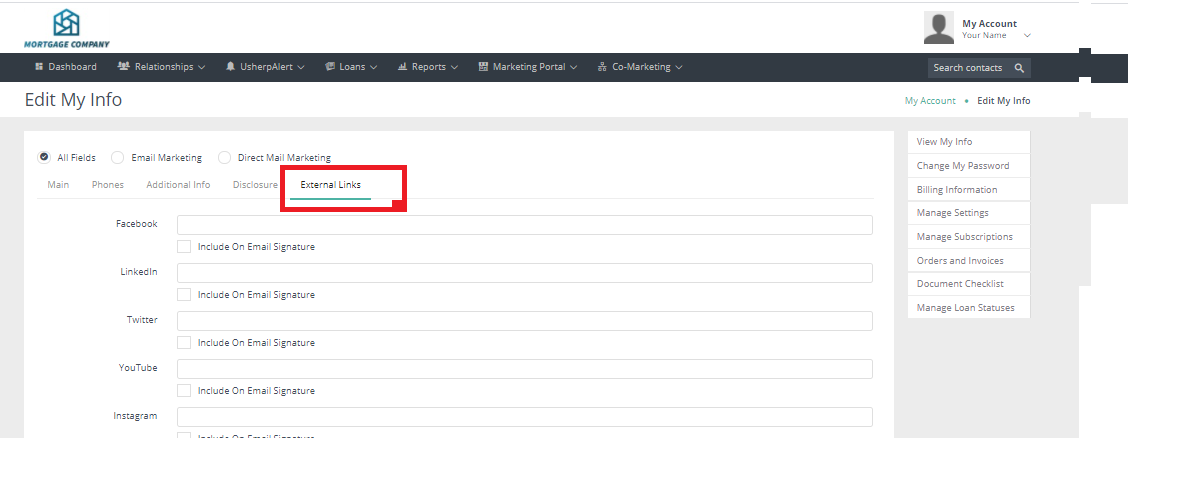
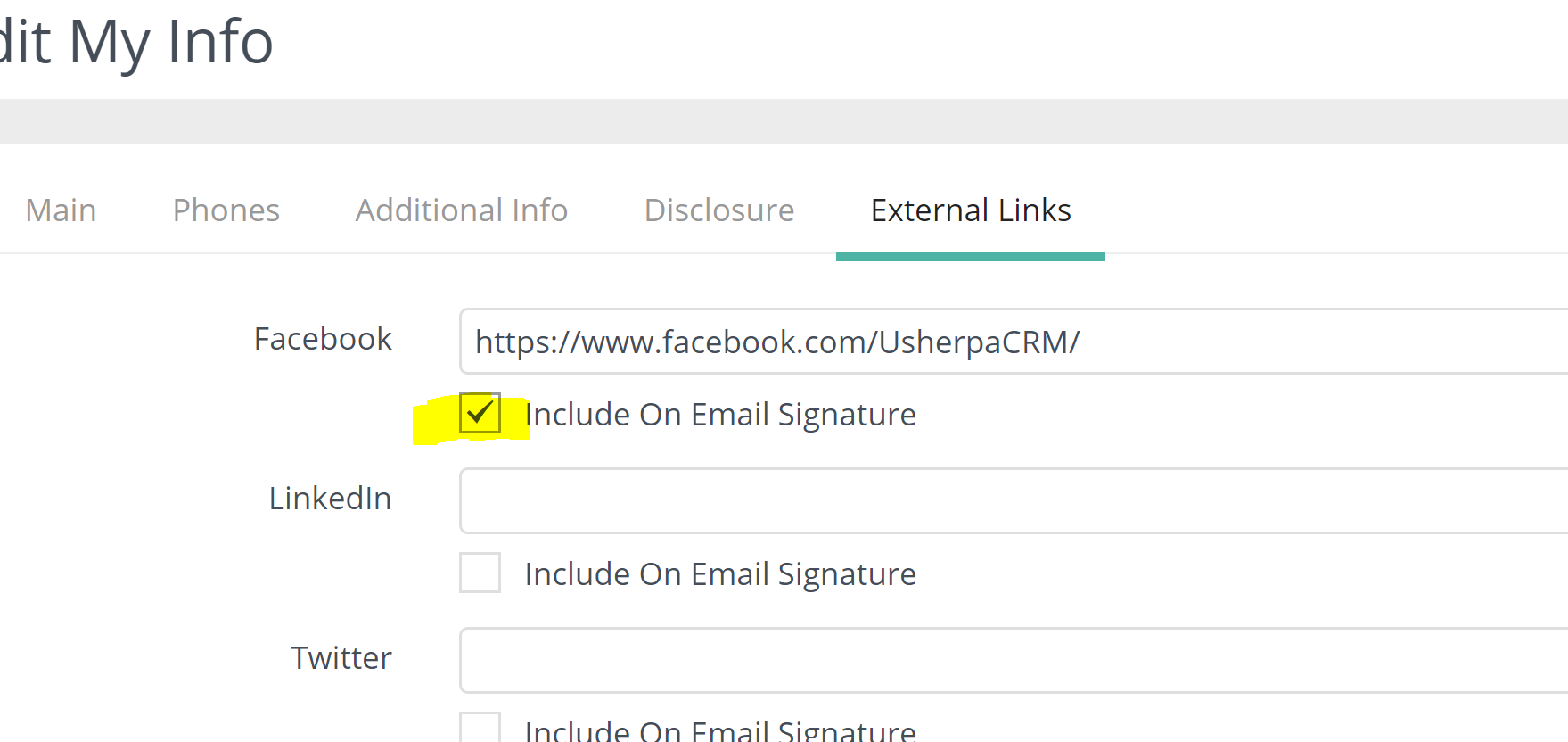
You will need to paste in your personal links in the corresponding fields for your Social Media accounts and check mark the box "Include on Email Signature." You can add as many links as you would like.
Comments
0 comments
Please sign in to leave a comment.