
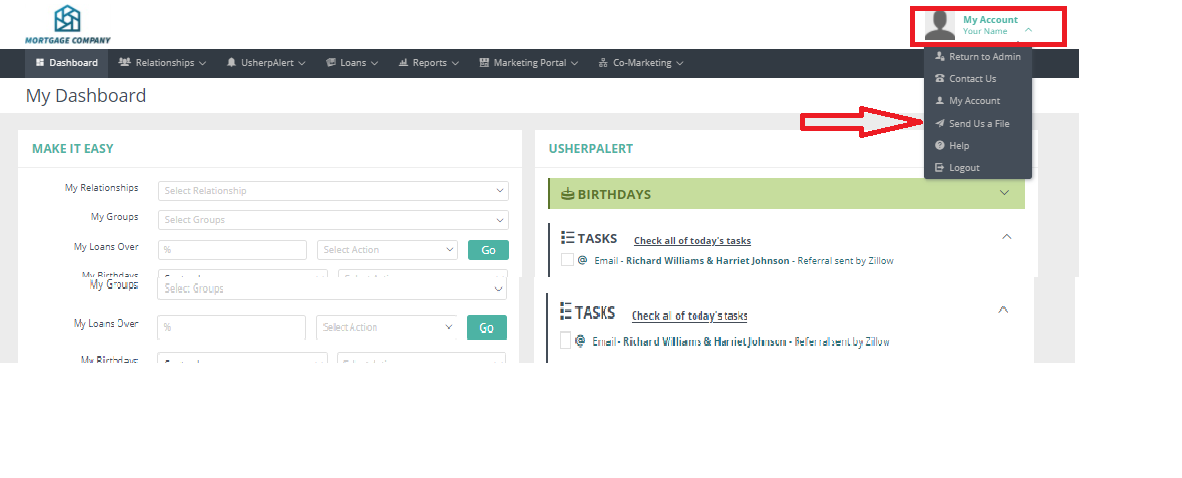
Log into your Usherpa account at usherpa.com using your username and password. Click on the “My Account” tab at the top of the page. From the drop down box click on the “Send Us a File” button.
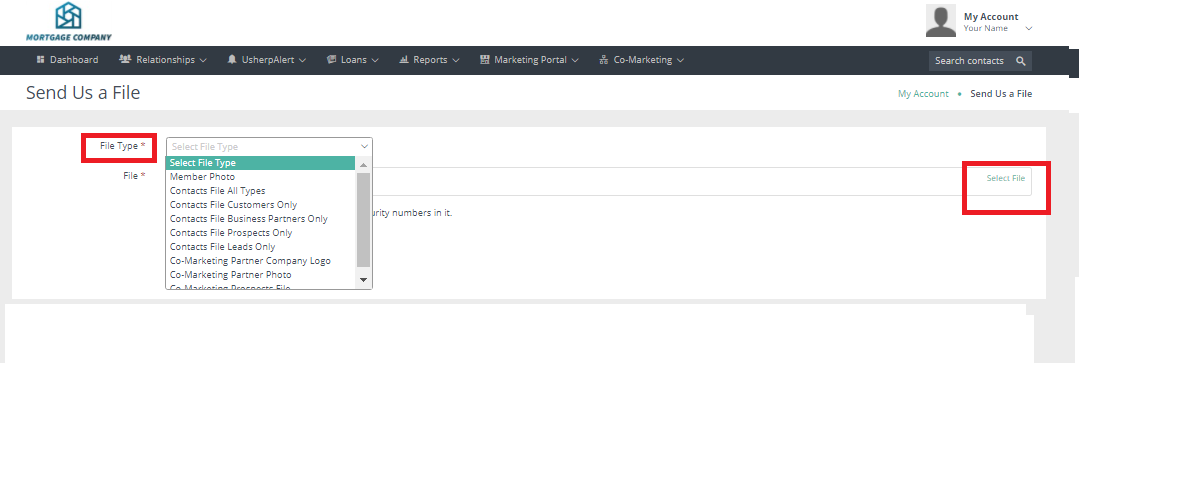
A dialog box will pull up. Use the pull-down menu to let us know what you are sending (customer, prospects, business partners or leads). Click “Select File” and your file will appear below in the same box. Click Save.
You will receive an email confirmation that we have received your file and it will be uploaded to your account in 3-5 business days.
Comments
0 comments
Article is closed for comments.