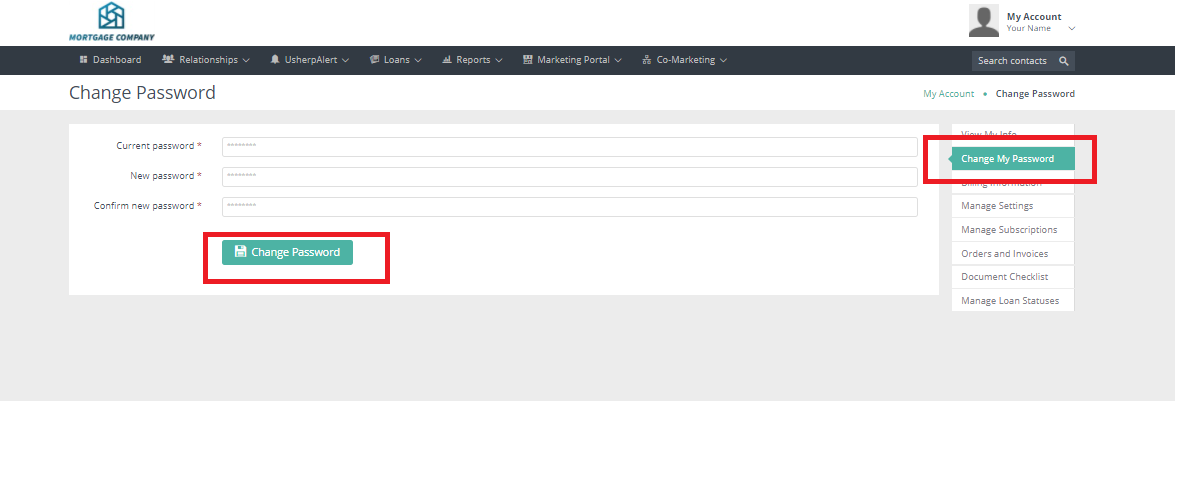
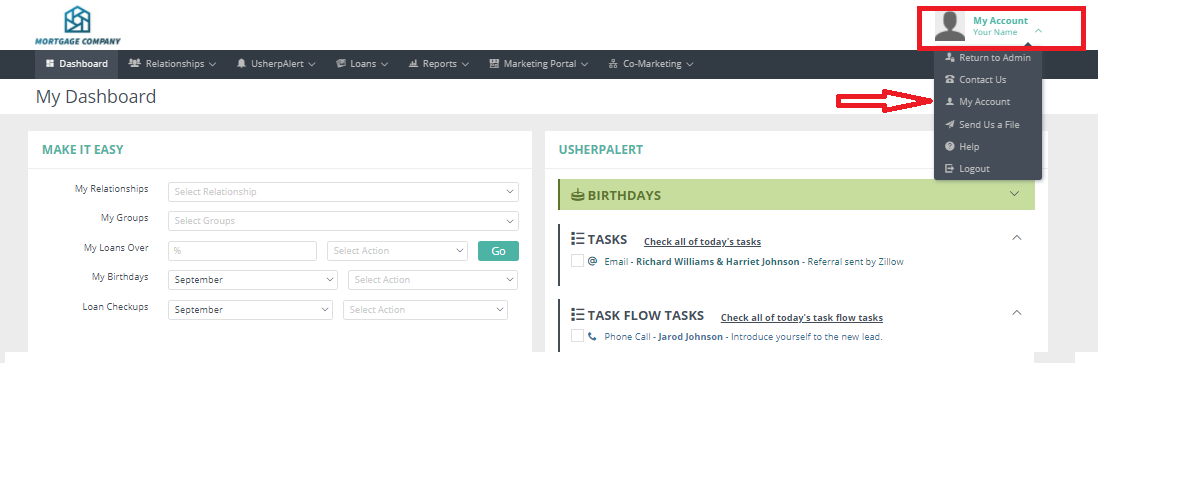
How do I change my password? Megan Davan September 30, 2020 19:22 Updated Select the “My Account” tab in top right corner and from the drop down box choose My Account. Click on the Change My Password button. Type in your current and your new password and select Change Password. Related articles My Account - Preview email signature and direct mail signature How to Order from the Marketing Portal How do I upload my database? Comments 0 comments Article is closed for comments.

Comments
0 comments
Article is closed for comments.