
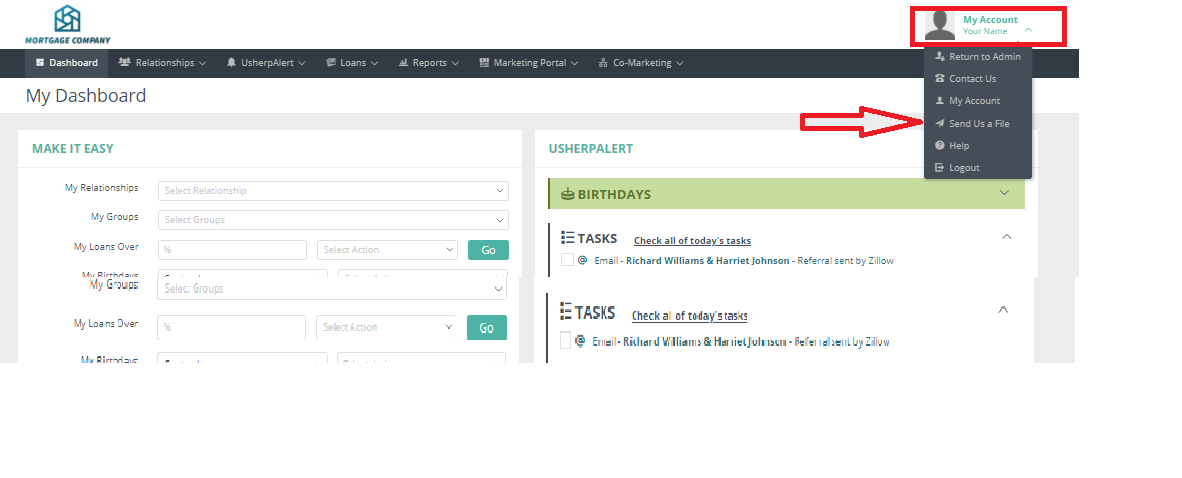
In your Usherpa account click on the "My Account" at the top of the page. From the drop down box click on the “Send Us a File” button.
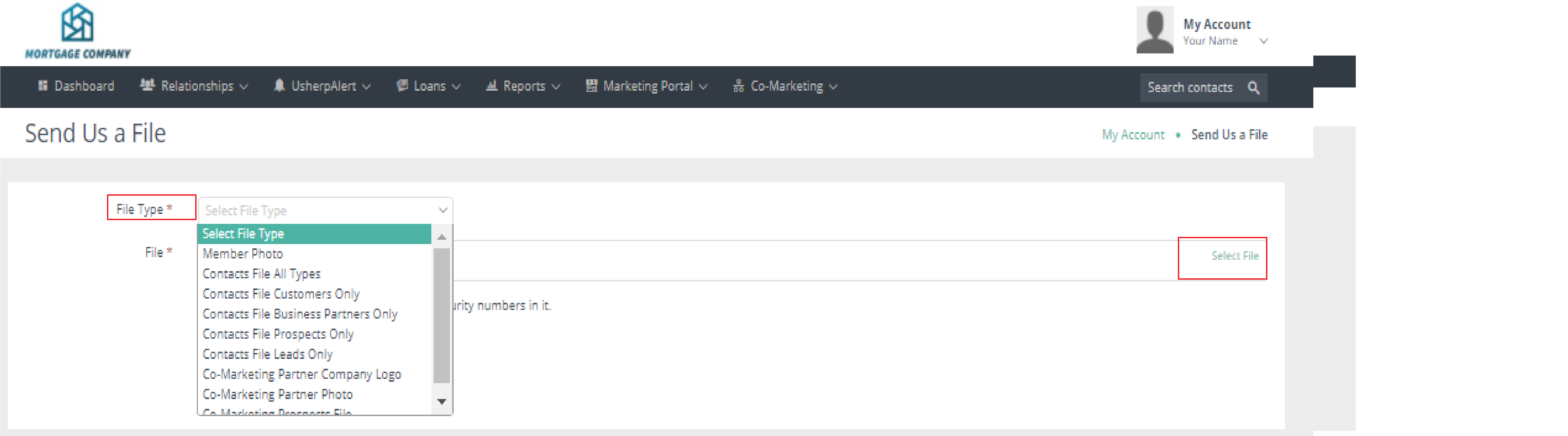
A dialog box will pull up. Use the pull-down menu to let us know what you are sending - in this case, "Member Photo." Click “Select File” and your file will appear below in the same box. Click "Save".
Comments
0 comments
Please sign in to leave a comment.