
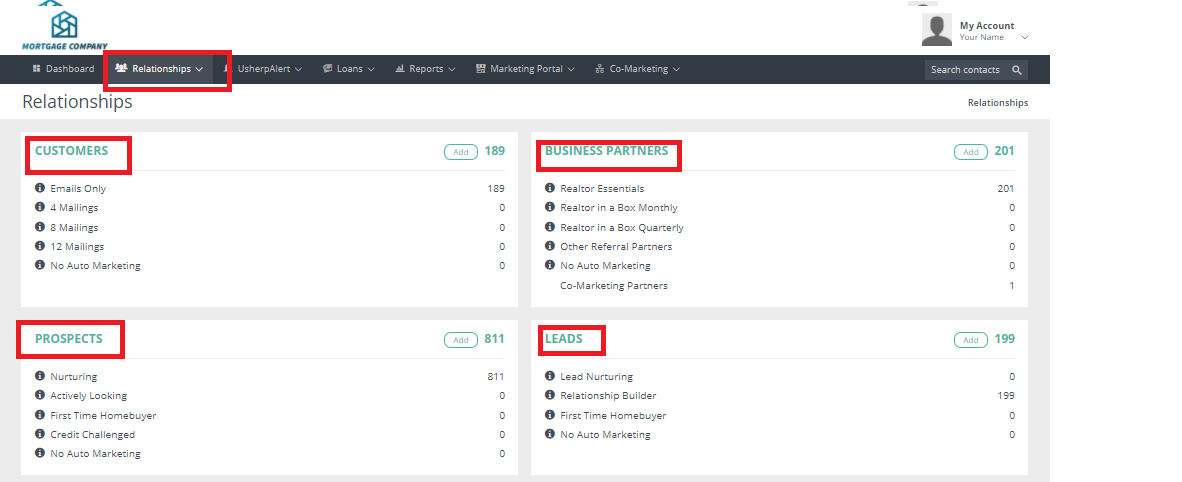
You can now set your grid to the headers of your choosing. Select the “Relationships” tab at the top of the page, then from the drop down box choose "Overview". Then click on the Relationship for which you would like to set the custom grid.
Here is a quick tutorial on how to customize your grid which is located in our quick tutorials section.
https://mediacenter.zendesk.com/hc/en-us/articles/360053293033-Custom-Grid-View
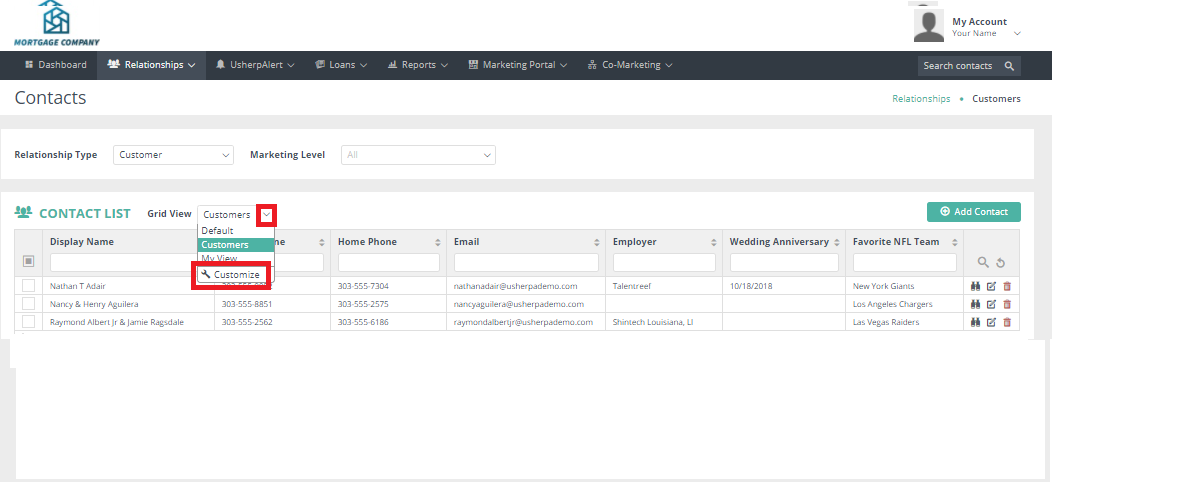
Choose Custom from the drop down box.
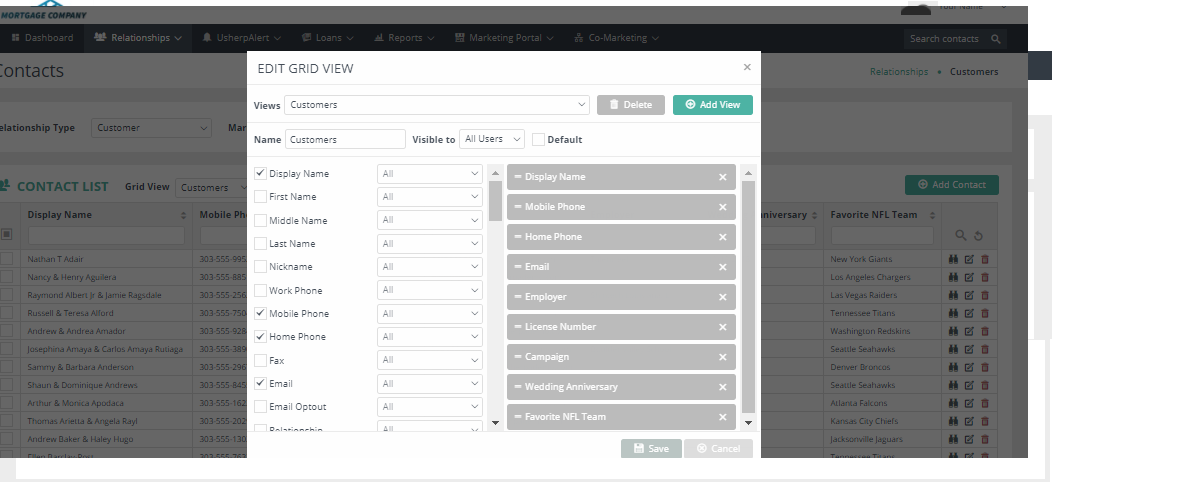
The right side will give you a list of the current headers. Checking the left side will add these headers to your grid.
Comments
0 comments
Please sign in to leave a comment.