
Log in to your Usherpa account at lo.usherpa.com. Select the “Relationships” tab at the top of the page, then from the drop down box choose "Overview". 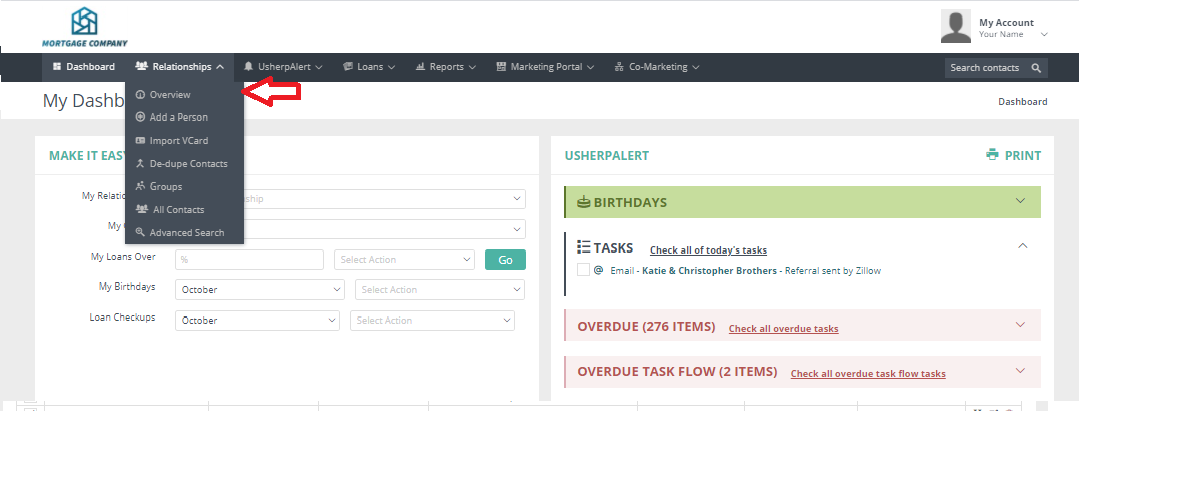 Use these to search which contacts you have in each of our different marketing levels. Click on the Relationship type to view your list.
Hover over the "i" in the circle and it will let you know the types of campaigns these contacts will receive. 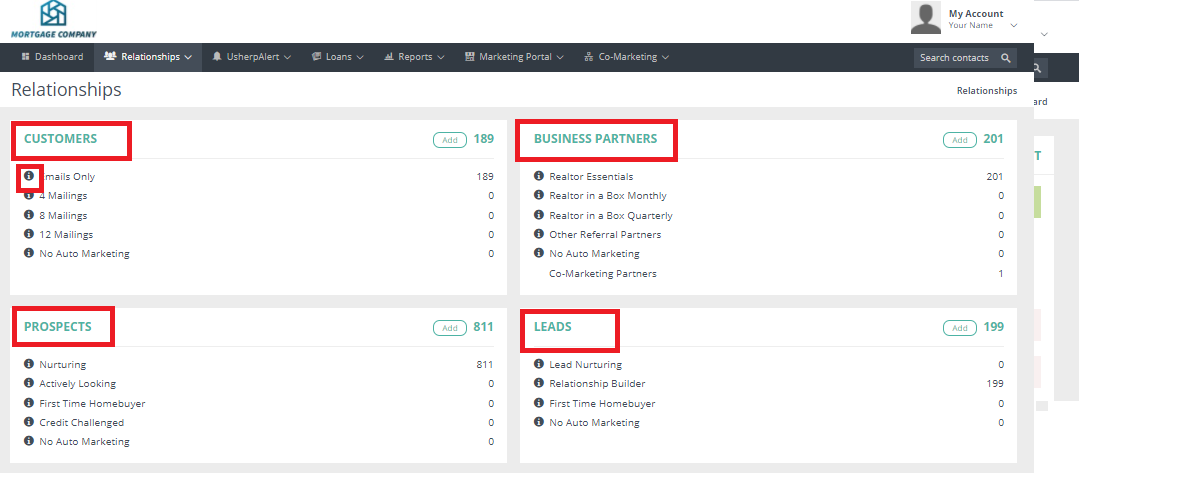
Comments
0 comments
Article is closed for comments.