
Your information in your Marketing Profile is the information that will go out in all of your emails and direct mail marketing, so it is important to make sure that all of that information is accurate and up-to-date.
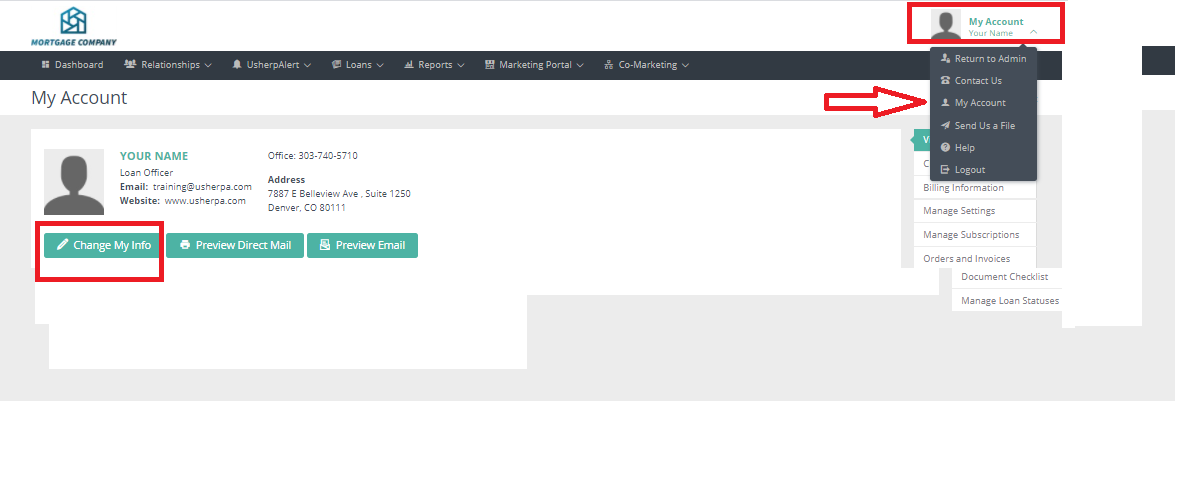
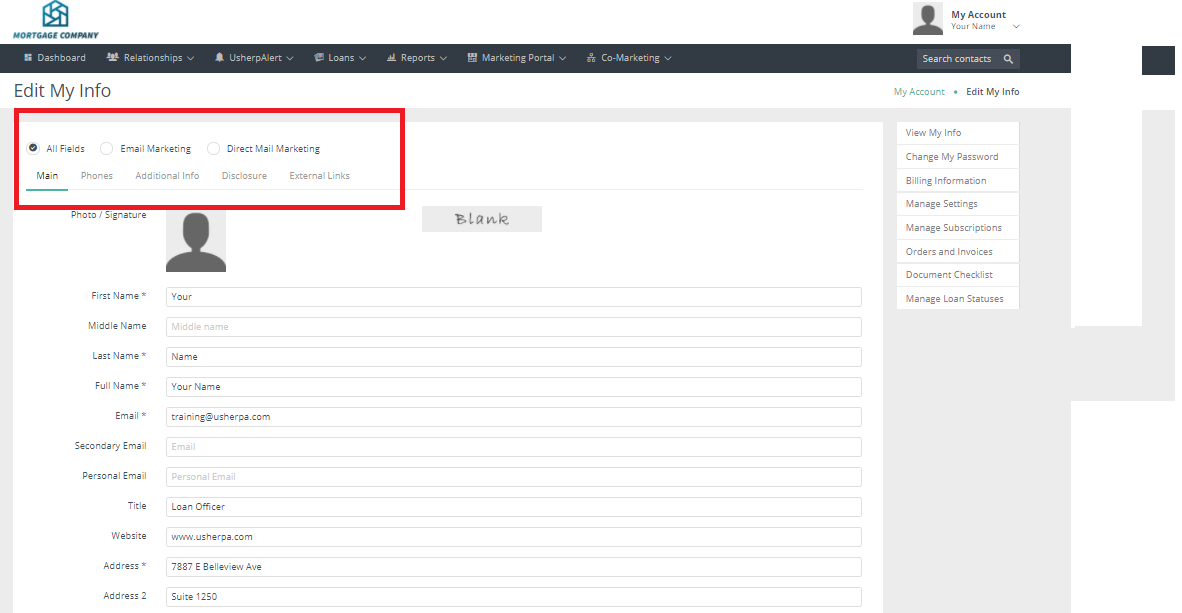
To edit your Marketing Profile, click on "My Account" in the upper right corner then click "My Account" from the drop down box. Click "Change My Info" to edit your information. Be sure to update each category Main/Phones/Additional Info/Disclosure and Scroll down to Save my Changes and update your Marketing Profile.
Comments
0 comments
Article is closed for comments.