
To add a note to a contact record, you must first locate your contact either in the "Search Contacts" box in the upper right side of your screen, or by clicking on their name within your contact list. 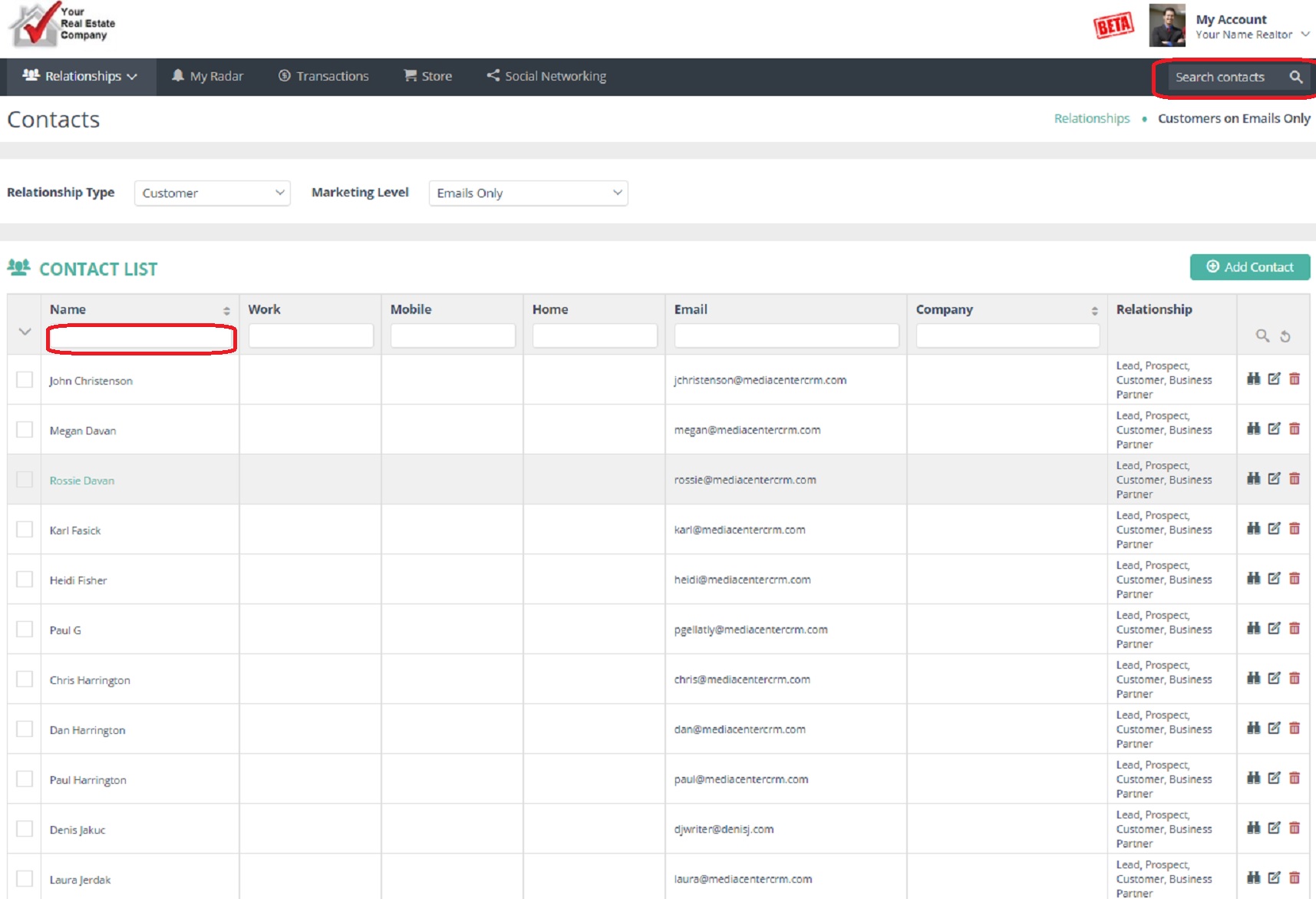
Once inside the contact record, just type out your note in the "Add a new note" box, then click "Add Note" to save. 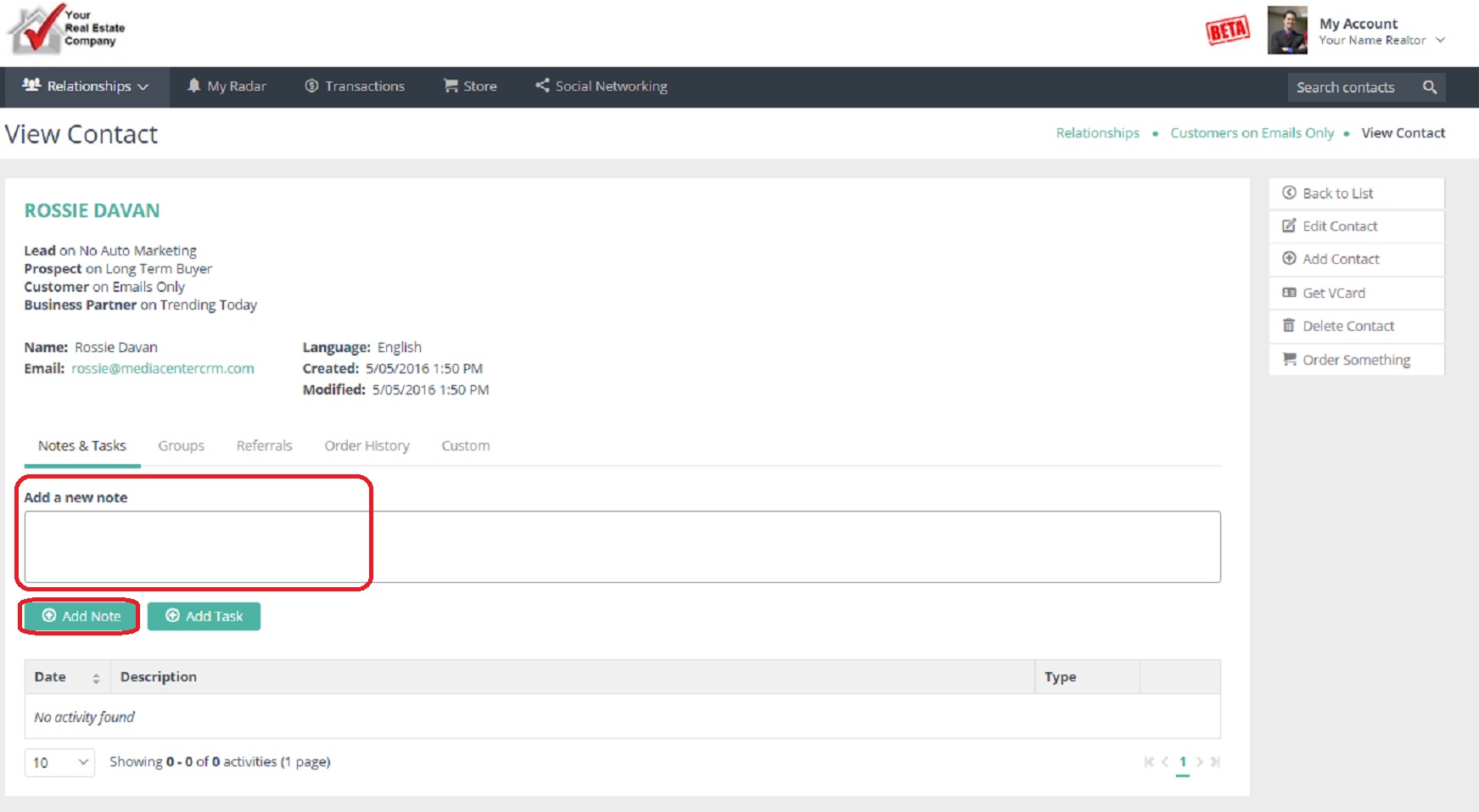
Comments
0 comments
Please sign in to leave a comment.