
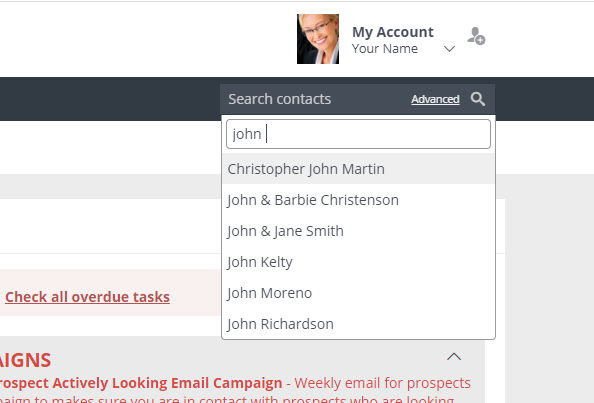
To send to a specific contact in your database, login to your Usherpa account and find their name under "Search Contacts."
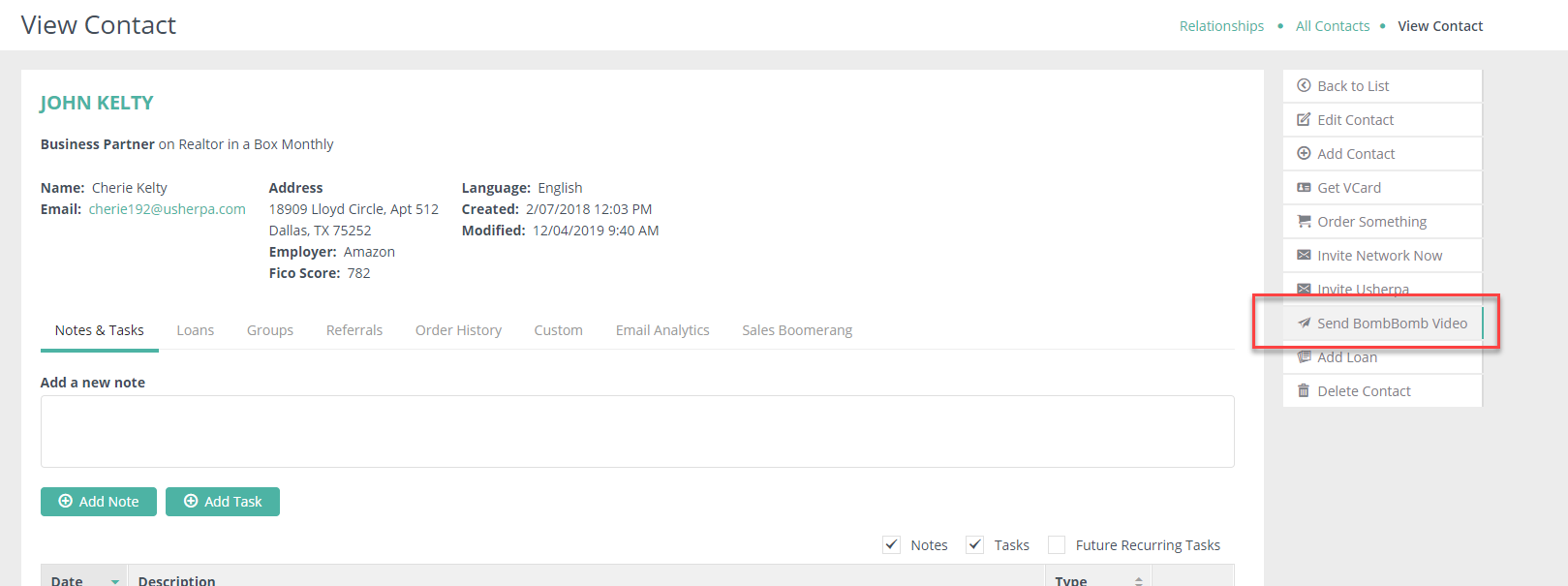
Once the contact record pulls up, you can click on "Send BombBomb Video" and this will allow you to record and send a video to this specific contact.
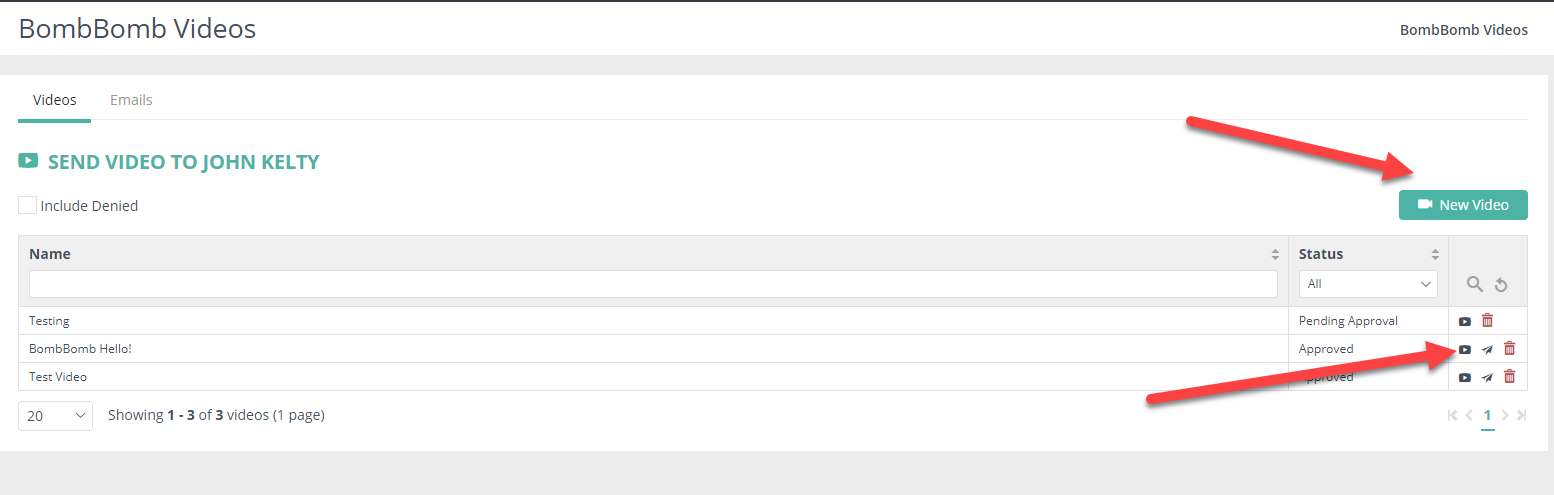
You can either send a pre-recorded video from your list, or create a new video specifically for this contact.
Comments
0 comments
Please sign in to leave a comment.