
You can create videos that can be used later to send to an individual contact or a group of contacts. These videos can be created ahead of time, approved by compliance (depending on your company policy) and be part of your video library for future use.
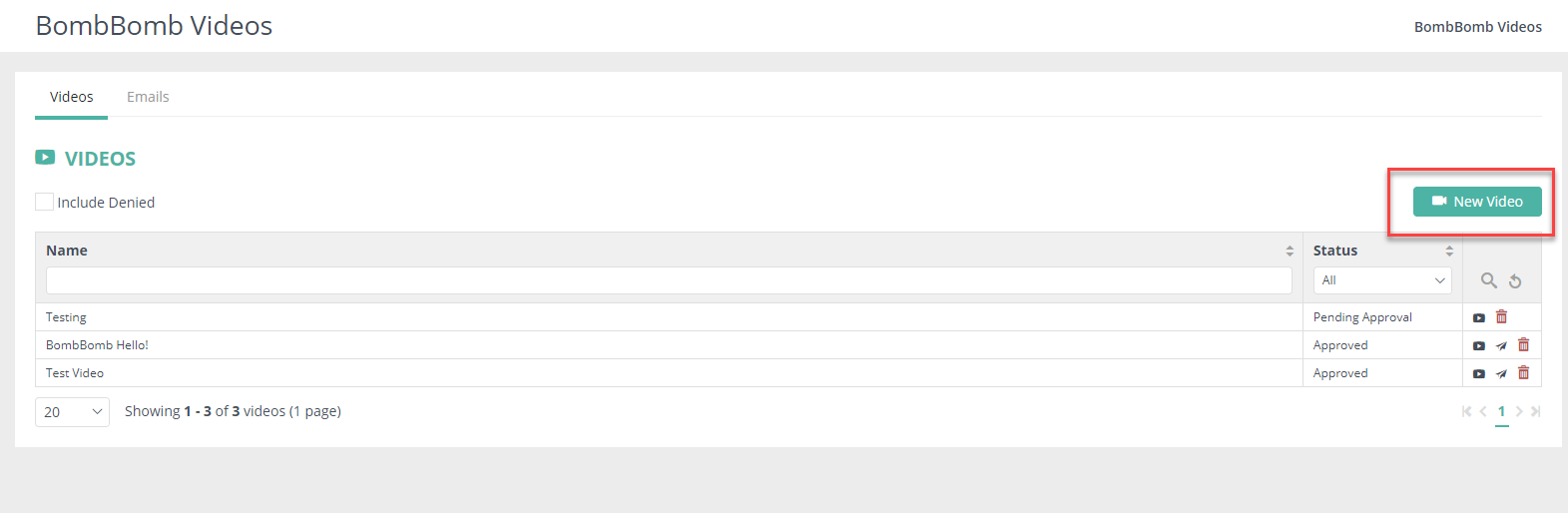
To create a video login to your Usherpa account, click on Marketing Portal > BombBomb Videos and click on the button "New Video"
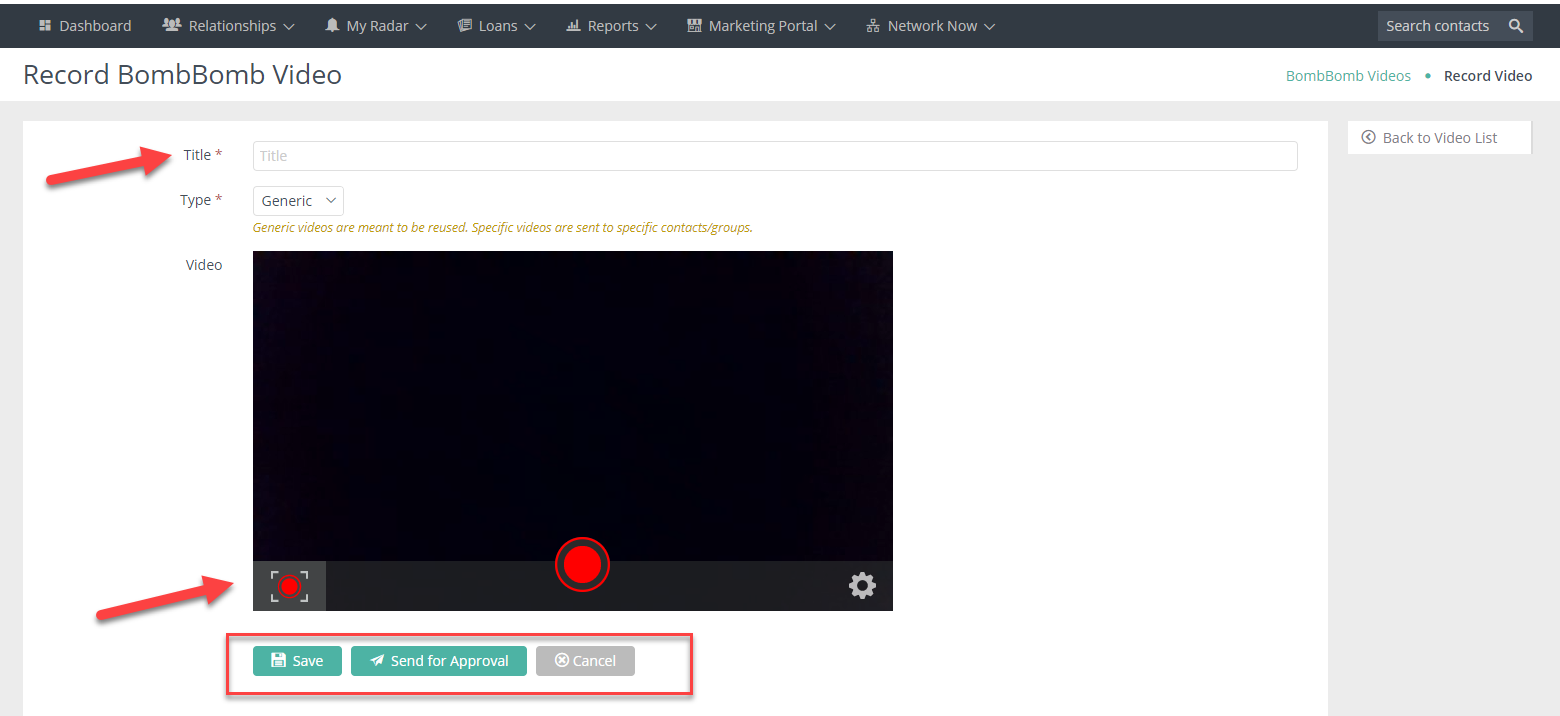
A screen will pop up that allows you to add a title to your video and then record your video. You can also re-record the video after it's recorded or save it as a draft. Once you are done with your recording, you can send it or forward it for approval, depending on your company's settings.
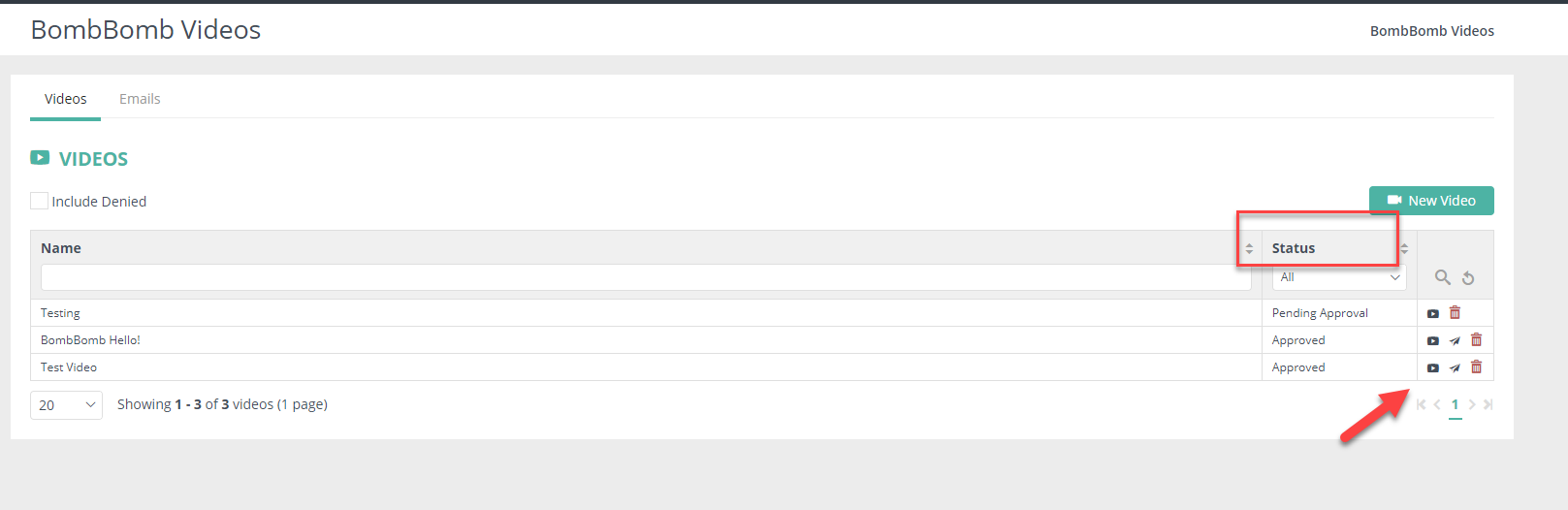
Once your video is created and saved, you can see the status on the BombBomb video dashboard. The status column will indicate whether the video is approved, pending approval or denied. Depending on your company's settings, you will receive an email notification once a video is approved or denied; you can then send it out to your contacts. If no approval is needed, you can send any video immediately.
Comments
0 comments
Please sign in to leave a comment.