
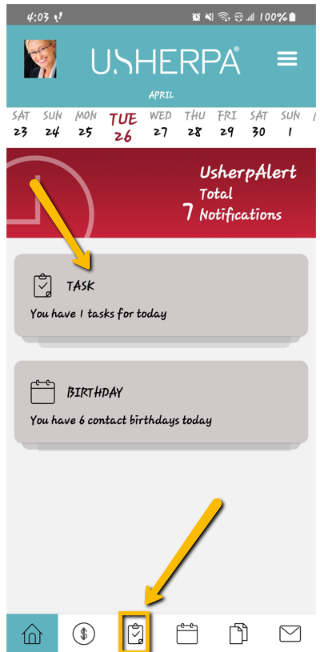
From the Dashboard, you can either click on the section that says "Task" or click on the clipboard icon on the bottom of the screen. This will take you to your tasks for the specific day selected.
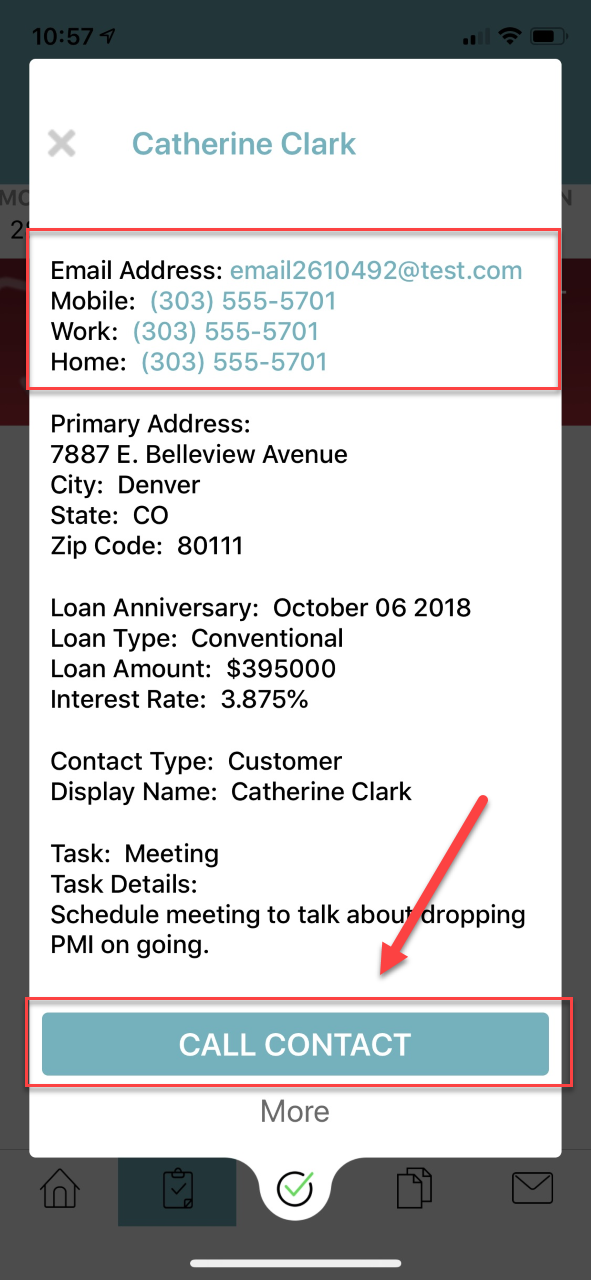
On your Tasks page you can click on the Task to bring up the contact information related to the Tasks. You can click on "Call Contact" to call the contact directly from your phone, or you can click their email to email them directly from your phone. Clicking "More" will take you to the mobile version of Usherpa where you can view more specific contact information.
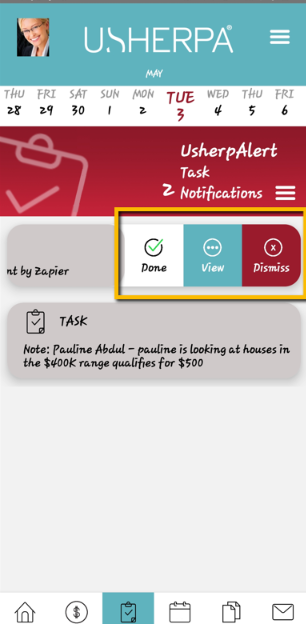
You can also manage your tasks by sliding the task bar to the left, where you can mark the task as Done, View the contact information, or Dismiss the task.
Comments
0 comments
Please sign in to leave a comment.