
Find the contact you would like to update in your database. You can use the "Search Contacts" box or you can find them under Relationships > Overview > Contact Type. When this list pulls up, click on the name of the customer you wish to edit. 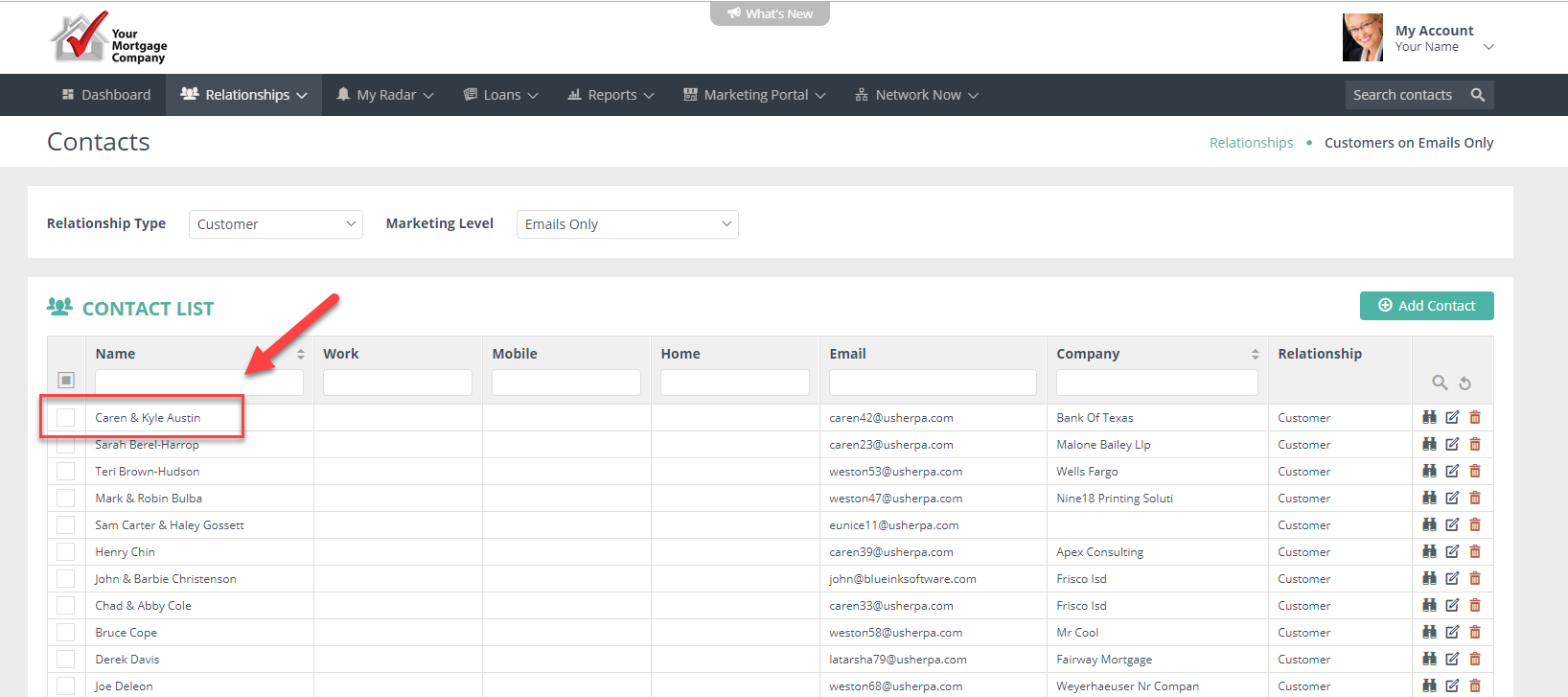
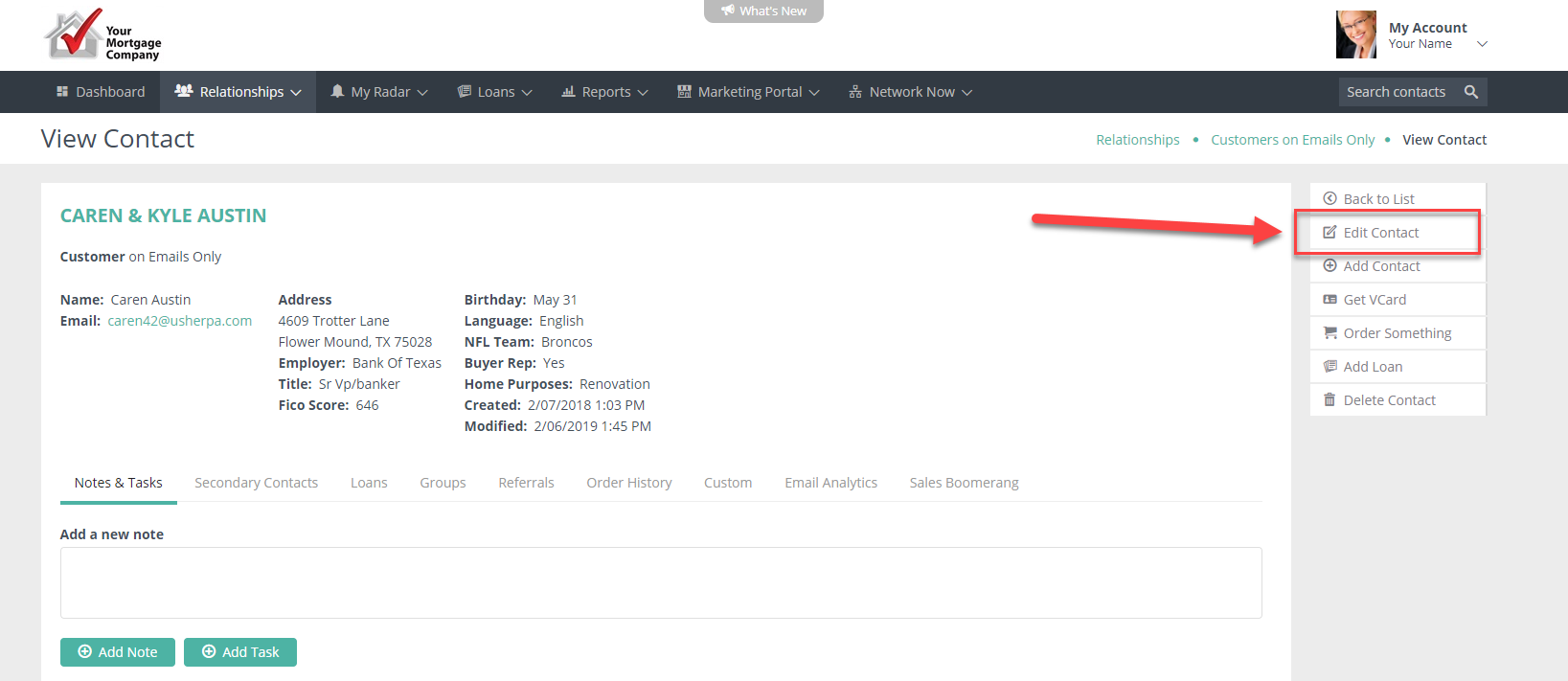
When the record pulls up, click on "Edit Contact" on the right menu.
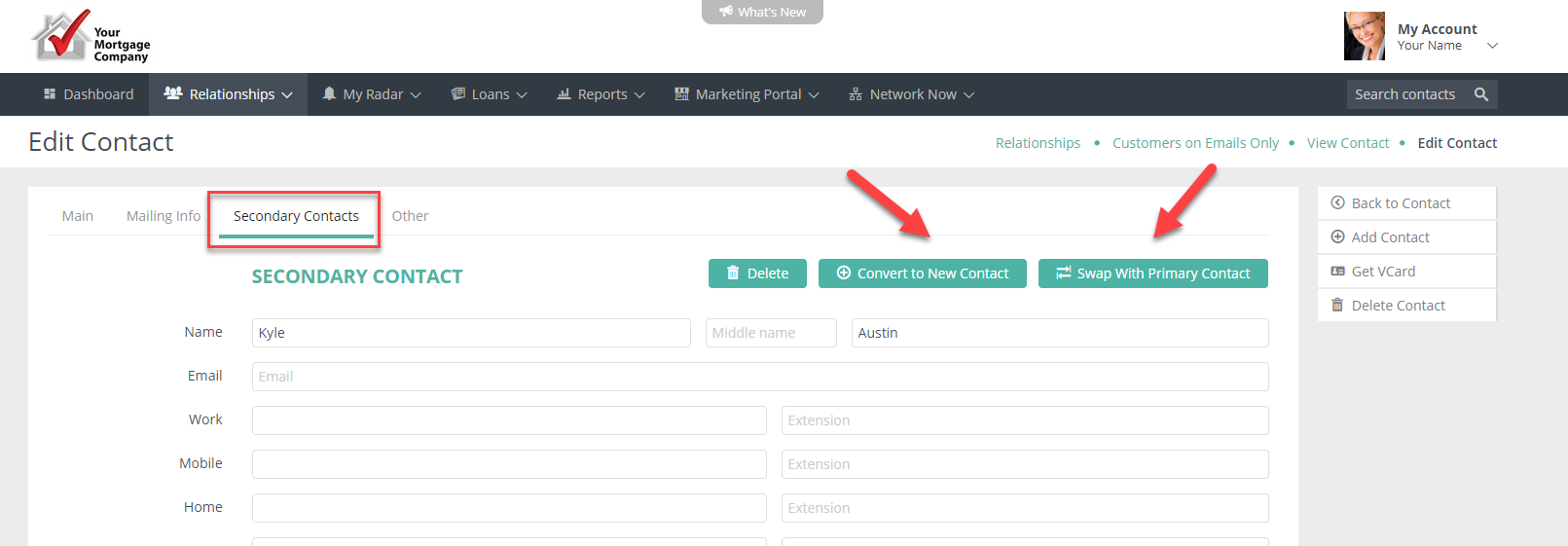
Then navigate to the Secondary Contact on the record. From here you can split off the Secondary Contact into their own contact or you can swap the Primary Contact and Secondary Contact.
Comments
0 comments
Please sign in to leave a comment.