
On any screen in your Usherpa account, you can search for a specific contact by simply clicking on "Search Contacts" in the upper right corner and typing in either their First or Last name in the box. Then click on the name to View Contact information. 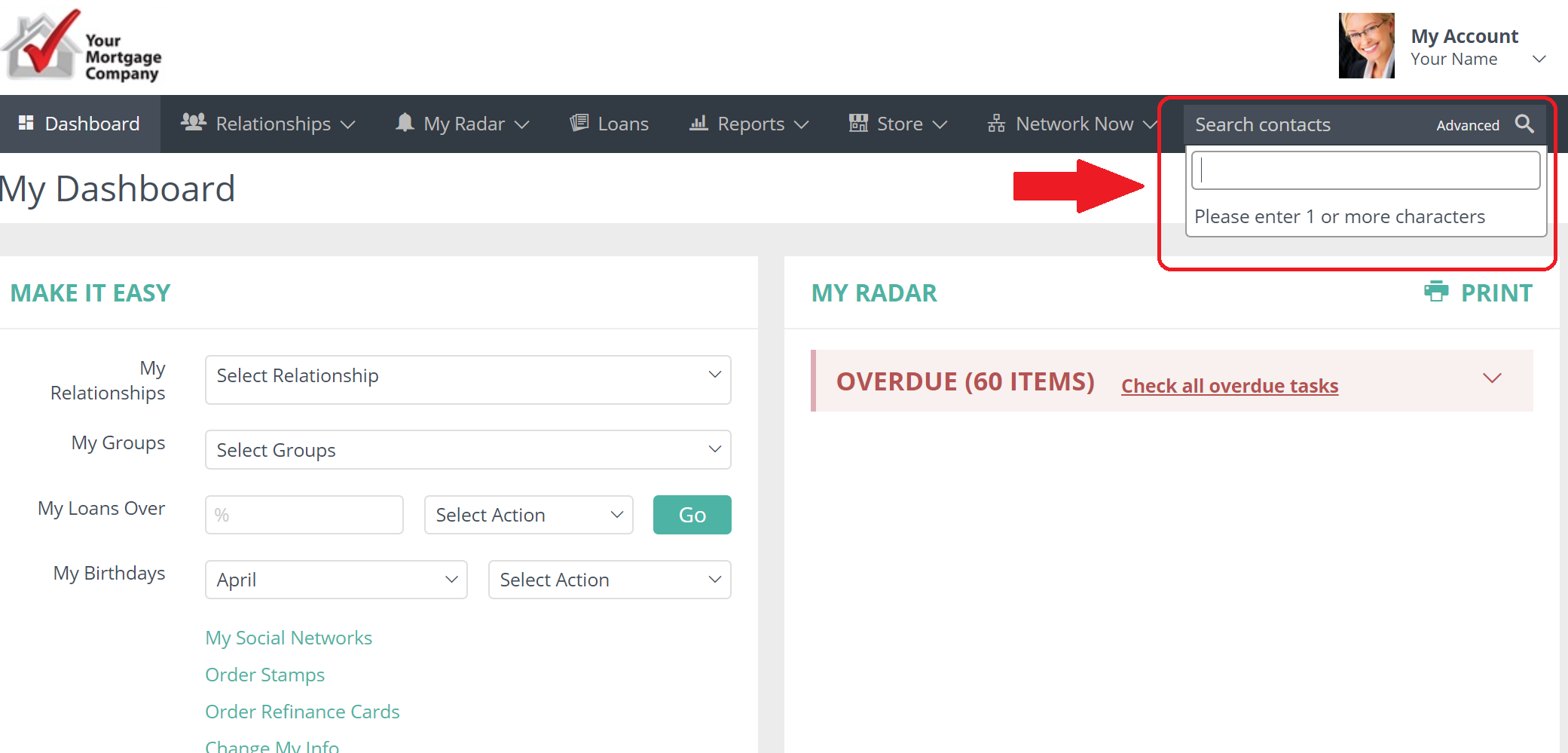
Comments
0 comments
Article is closed for comments.