
When you are logged in, click on My Account near your photo and then choose "My Account" again from the drop down. When this page pulls up, click on "Manage Settings" in the right side menu. You will want to choose "Custom Fields."
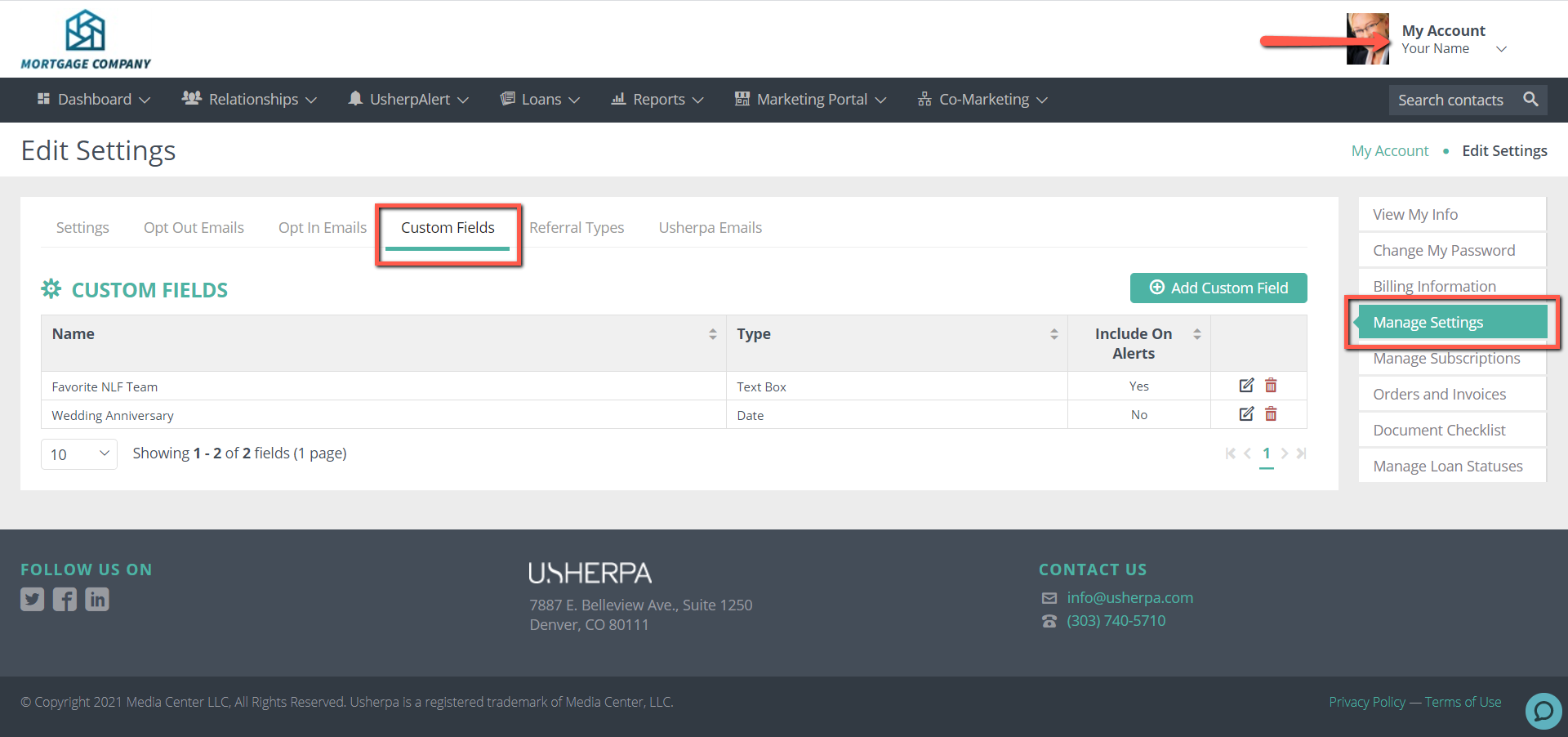
Next, click on "Add Custom Field." You can choose to create a Text Field, Check Box (Yes/No) or a Drop Down. You simply select your option, and Name your field.
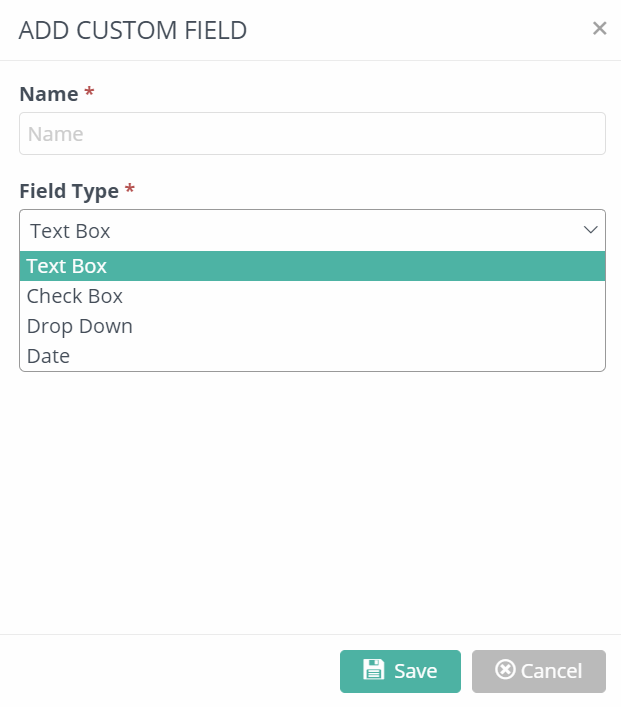
If you choose the Drop Down option, you can add as many options as you like, just make sure they are comma separated. Click "Save" and then you are done. NOTE: These custom fields will show up on all contacts, under the "Custom" tab of the contact record.
Comments
0 comments
Please sign in to leave a comment.